
How They Built the Pyramids Carry Bricks: Hauling Guide
How They Built the Pyramids carry bricks guide: increase carrying capacity, organize co-op hauling, and use belts and Shabti to keep construction moving.
Jump to
How to Carry Bricks to the Pyramid
A pile of finished bricks won’t build your pyramid. This How They Built the Pyramids carry bricks guide covers manual hauling, carrying capacity, and the equipment that cuts down on delivery runs. The standard pyramid takes 23,426 bricks across 26 layers, so transport becomes a major part of the job.
Start by collecting a finished brick with LMB when its mold reaches Ready. Carry it to the pyramid and place it into the structure. You can also toss bricks to friends, letting your crew share the journey between production and construction.
Watch the whole cycle before expanding:
- Keep the molds supplied with clay.
- Collect bricks once they finish drying.
- Deliver them to the active construction area.
- Check whether the next delay happens at production, transport, or placement.
If ready bricks keep accumulating, focus on getting them out. If you arrive at empty molds, check clay supply and drying before investing in more hauling equipment.
Placing 1,000 bricks unlocks Brick by Brick, held by 81.8% of players in the achievement figures. That same team placement milestone makes Starter Molds, Crates, and Gym Gear removable under the change introduced in version #0.42. Use the extra layout freedom to shorten awkward routes.
Official page: How They Built the Pyramids (store.steampowered.com)
Increase Carrying Capacity With Physical Training
Physical Training develops Strength and Speed. Strength determines how much you can carry per trip; Speed determines how quickly you make the journey.
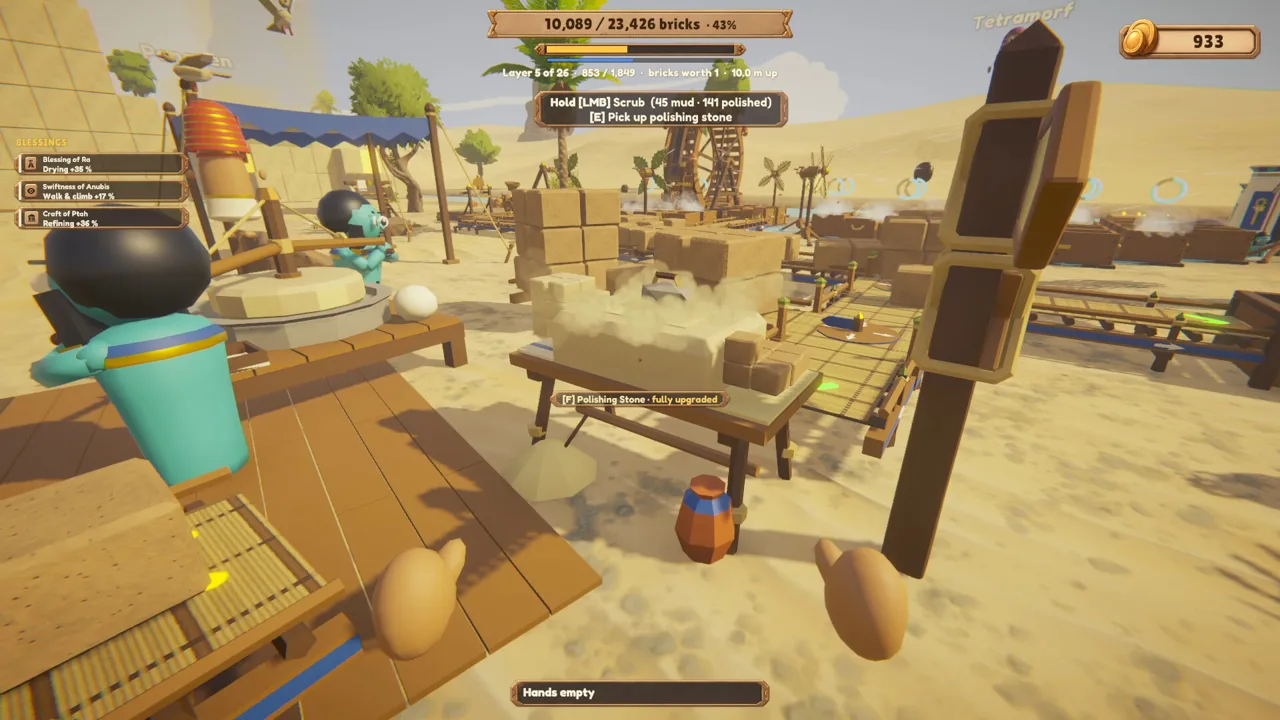 Image: Steam / Pattez Games
Choose your training around the route you actually use:
- Train Strength when small loads force repeated trips over a short distance.
- Train Speed when walking between production and construction takes up much of the delivery cycle.
- Switch attention to transport equipment when finished bricks accumulate faster than you can carry them away.
Avoid measuring progress by the size of the stack in your hands alone. Follow a full delivery cycle, including the return trip, and look for the part that consumes your time.
Carry capacity remains useful after automation arrives. Use manual deliveries to clear misplaced stock, move bricks during a factory rebuild, or finish spaces beyond a launcher’s reach.
Split Hauling Jobs in Co-op
The standard game supports 1–8 players, with brick carrying and tossing built into the construction loop. Divide the route so everyone has a clear task.
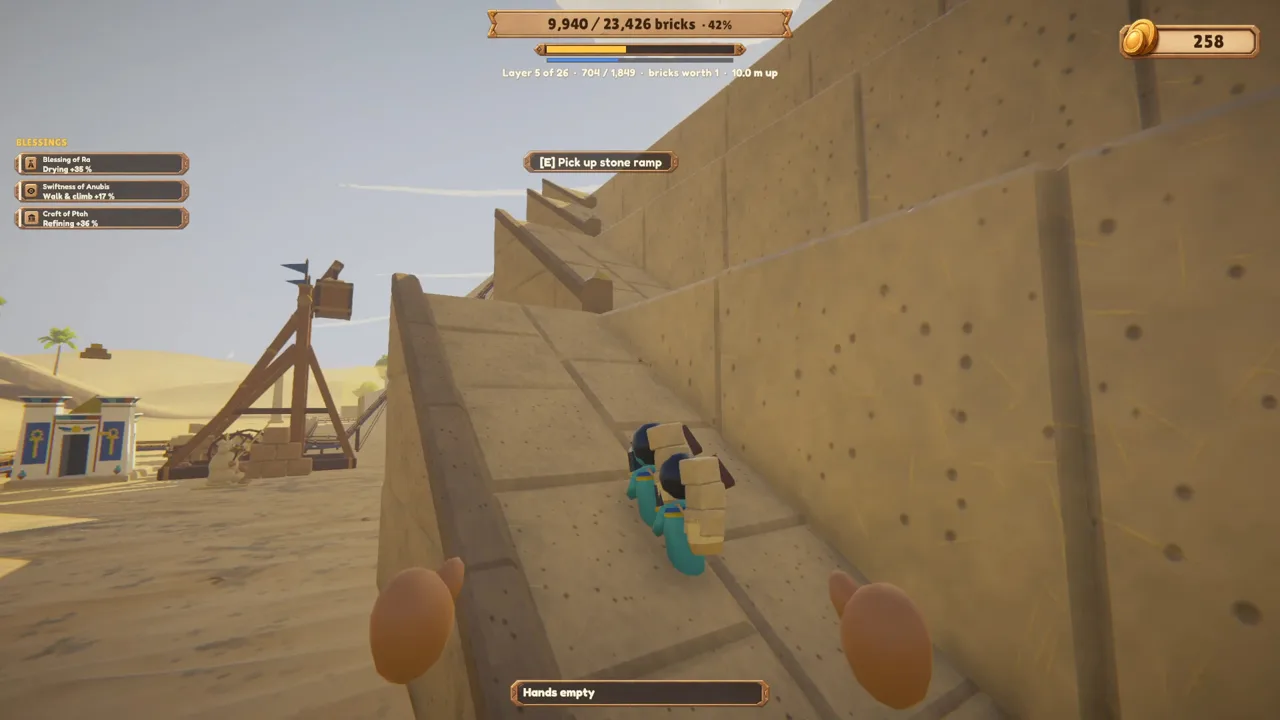 Image: Steam / Pattez Games
Assign players to clay supply, brick collection, transport, and placement. Move people between those jobs whenever a queue develops. If finished bricks are waiting while several players stand at the pyramid, send someone back to collect them. If the builders keep running out, inspect the production line before adding more placement labor.
For a throwing relay, position teammates along the delivery route and pass bricks toward construction. Keep the landing area clear of players standing underneath falling loads.
Press Enter to use text chat, added in version #0.42. Call out when production stops, a delivery route changes, or a launcher needs repositioning so the crew can adjust together.
Move Finished Bricks With Conveyor Belts and Storage
Conveyor Belts handle the repeated movement that otherwise keeps someone walking between machines. Splitters, Mergers, and Sorters let you route output through a larger production line.
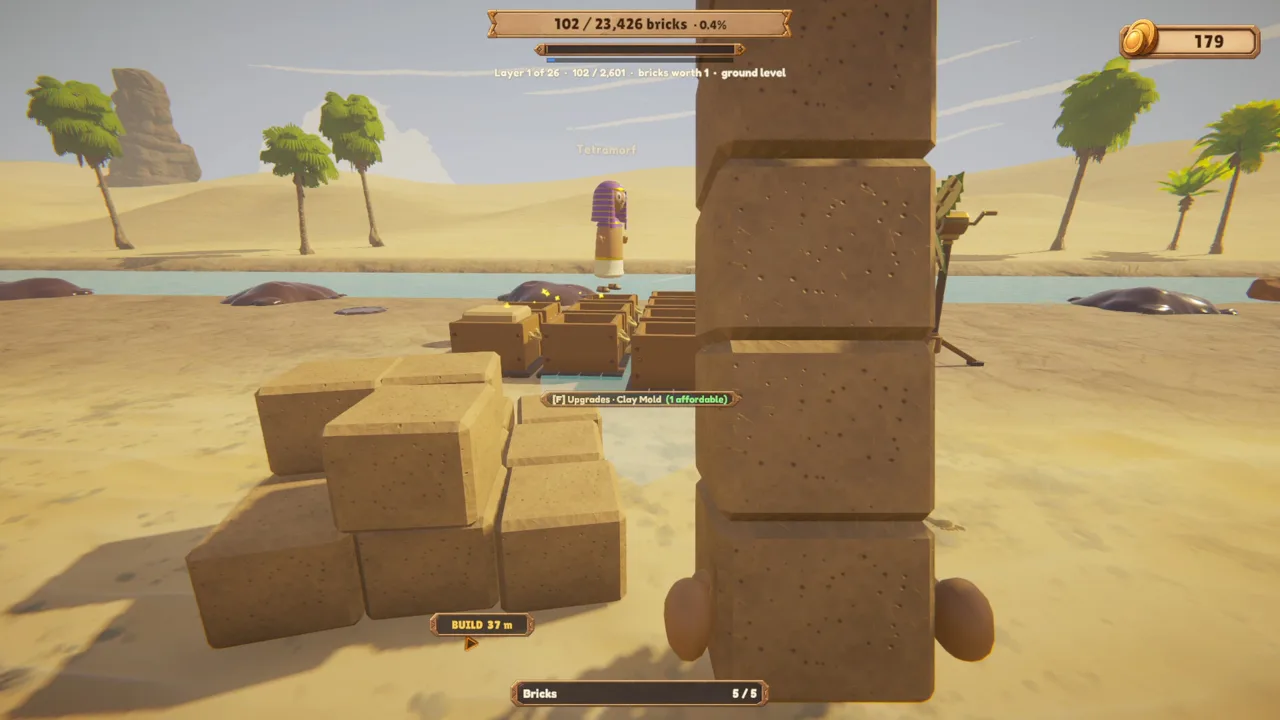 Image: Steam / Pattez Games
Build the route around the next destination:
- Give finished bricks a clear path away from the molds.
- Connect processing stages where needed.
- Use a Merger to bring separate belt streams together.
- Use a Splitter where output needs to branch.
- Add storage to hold bricks when the next stage backs up.
- Follow bricks through the route and inspect every point where they stop.
Keep storage accessible during layout changes. A buffer can hold production while you work on the next connection, but it still needs a clear route onward.
For mixed output, configure a Sorter by looking at it and pressing F. Since version #0.42, each of its three exits has its own rule. Use those rules to separate brick types before they reach the wrong processing or construction route.
Reed Highway unlocks when you have 100 belt tiles running in your world; 75% of players have earned it in the achievement figures. Build those tiles around useful connections, since extra distance still leaves you with more routing to manage.
Trolleys and Belt Loading
Version #0.42 changed trolley interactions: belts no longer fill parked trolleys, and trolleys no longer ride belts.
Keep trolley handling separate from the conveyor route. If you parked a trolley at a belt expecting automatic loading, change that handoff.
Assign Shabti to Hauling and Construction
Shabti can handle hauling and building, but hiring a worker does not assign a job.
At the Shabti Market, aim at an individual worker and hold F to inspect the profile, traits, and price. After hiring, use Work Posts to direct the worker’s tasks.
Gather Mode
In Gather mode, a Shabti collects items and delivers them to the nearest Conveyor Belt or Crate.
Receiver placement matters. If bricks keep arriving in an unintended crate, move that crate or reposition the intended receiver. Check nearby storage before rebuilding the entire delivery line.
Build Mode
For pyramid construction, place the Work Post near the structure, select Build mode, and keep bricks within its working range.
Version #0.43, released November 20, improved pyramid Work Posts so they continue building after being moved upward. Their Shabti also explain what is stopping them. Read that feedback when a worker stalls after a move.
Shabti draw coins from the team wallet every minute. When the wallet empties, they strike. Keep money available for ongoing upkeep before expanding the crew; paying the hiring price only covers recruitment.
Use Launchers for Delivery Beyond Your Carrying Route
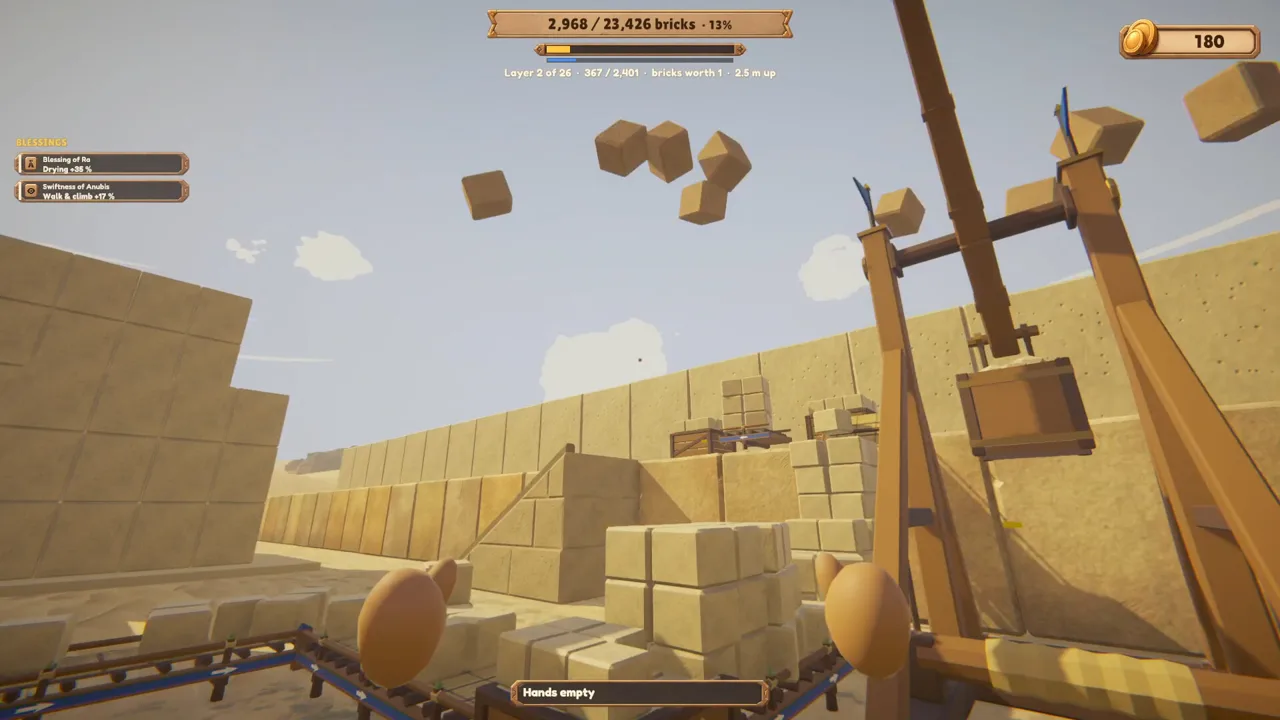
Catapults and Trebuchets provide another way to send bricks toward the pyramid. Their coverage becomes part of your transport layout: a supplied launcher can still stop contributing when the remaining spaces lie outside its range.
Before buying another launcher, inspect these points:
- Supply: Are enough bricks reaching it?
- Coverage: Are there empty spaces within reach?
- Operation: Is it ready to fire?
Press E on a Catapult or Trebuchet that cannot fire to see the reason, a feature added in version #0.42. Use that message to identify the problem before changing the surrounding machinery.
Reposition a launcher or adjust its feed route when construction moves beyond its coverage. Carry bricks by hand to finish remaining spaces while you make the adjustment.
For carved bricks, version #0.43 fixed engravings disappearing during handling in Pigeon Lofts, Trebuchets, and the Sledge Lift. Those devices now preserve the carving.
Find the Point Where Brick Delivery Stops
Follow a brick from its mold toward construction and inspect the first place it gets stuck.
| Delivery problem | What to check |
|---|---|
| No finished bricks to collect | Clay supply, drying progress, fan direction, and kiln coverage |
| Finished bricks accumulate at production | Output connections and the route to processing or storage |
| Bricks arrive in an unintended crate | The nearest Conveyor Belt or Crate used by Gather workers |
| A building Shabti stays idle | Work Post mode, assignment, brick range, worker feedback, and team wallet |
| Powered machinery stops moving output | Shaft connections and network Load versus Capacity |
| A launcher stops placing bricks | Brick supply, reachable empty spaces, and its E interaction message |
| A parked trolley stays empty beside a belt | The #0.42 change removed automatic belt loading |
For powered equipment, compare demand with capacity before adding more machines. A network drawing 560 against 512 capacity overloads; raising connected capacity to 768 lets that demand run.
When you move into Grand Pyramid, the construction target rises to 105,995 bricks, with room for up to 16 players. Follow the same delivery checks across the larger site, and fix the stalled handoff before expanding production upstream.
Continue with
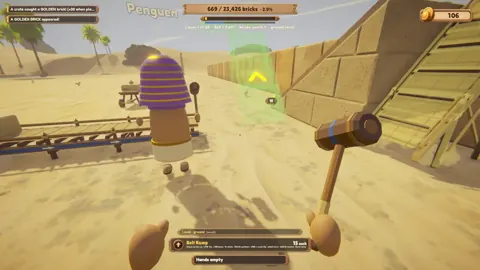 How They Built the Pyramids Conveyor Routing GuideMaster How They Built the Pyramids conveyor routing with sorter controls, Shabti delivery tips, and practical fixes for backed-up brick production lines.
More in Transport
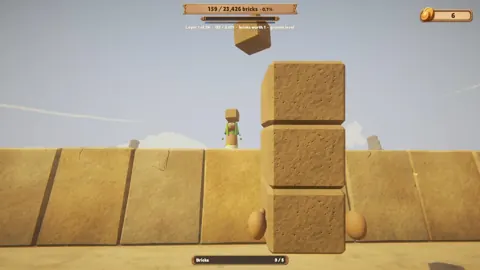
How They Built the Pyramids Sledge Lift: Carving Fix
How They Built the Pyramids Sledge Lift keeps carvings intact in v0.43. Learn what changed and how to keep engraved bricks moving toward pyramid placement.
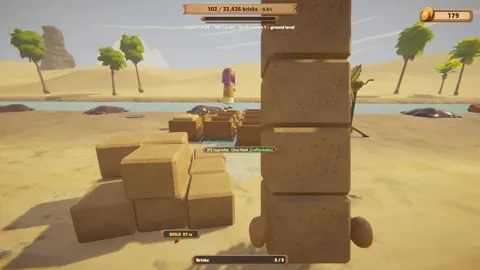
How They Built the Pyramids Trebuchet Firing Guide
How They Built the Pyramids trebuchet firing explained: use E, diagnose blocked shots, support automated volleys, and keep carved bricks intact in transit.
Continue exploring

How They Built the Pyramids Steam: Co-Op & Automation
Explore How They Built the Pyramids Steam gameplay, co-op limits, brick automation, Shabti upkeep, gold crafting, and the 105,995-brick Grand Pyramid mode.
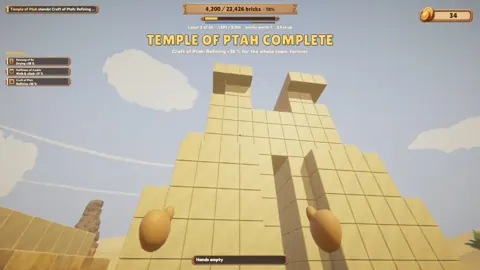
How They Built the Pyramids Achievements: Full Guide
Track all 18 How They Built the Pyramids achievements, compare unlock rates, and plan a route through building, gold, Shabti, carvings, and hidden goals.
Join the community
Official channels for news, updates and player help: