
How They Built the Pyramids Co Op: Multiplayer Guide
How They Built the Pyramids co op supports 1–8 players, and up to 16 in Grand Pyramid. Learn crew roles, automation, Shabti upkeep, and public lobby rules.
Jump to
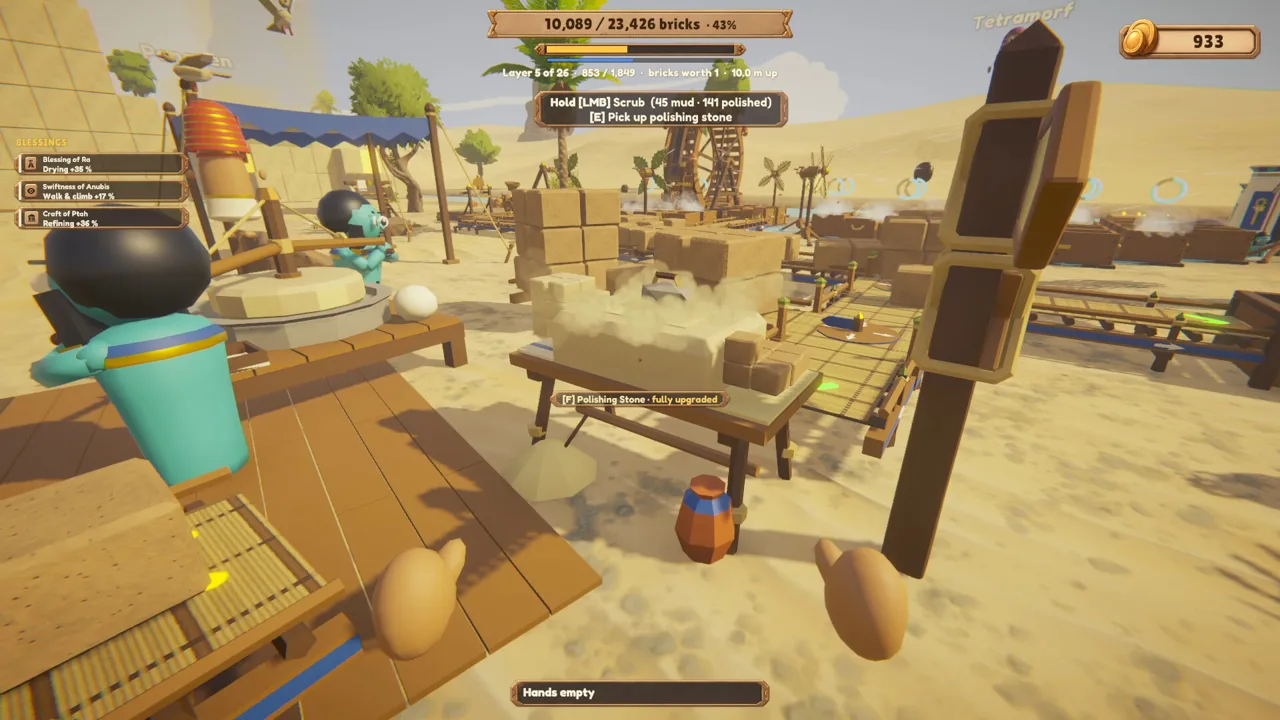
How Many Players Can Build Together?
Your crew has 23,426 bricks to place and plenty of ways to send them flying. How They Built the Pyramids co op supports 1–8 players on the standard construction site, while Grand Pyramid expands the crew limit to 16. Divide clay collection, brick production, and delivery duties so your growing pyramid keeps getting the materials it needs.
The standard pyramid spans 26 layers and reaches 65 meters tall. You can tackle it solo, bring friends, or recruit Shabti workers to handle repetitive jobs.
| Mode | Player capacity | Bricks required |
|---|---|---|
| Standard pyramid | 1–8 players | 23,426 |
| Grand Pyramid | Up to 16 players | 105,995 |
Grand Pyramid is the New Game+ option added in version #0.42. Finish a pyramid, then select GRAND PYRAMID on the new pyramid card to take on the larger site.
Official page: How They Built the Pyramids (store.steampowered.com)
Divide the Work Around the Slowest Stage
Start by assigning responsibility for each stage of production. Everyone carrying bricks can leave the molds empty; everyone making bricks can leave finished blocks waiting for delivery.
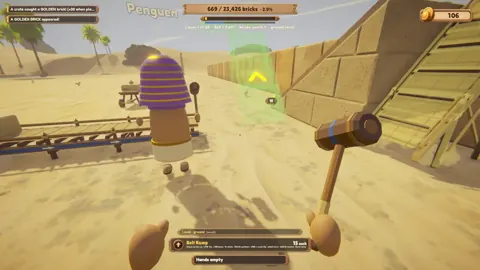
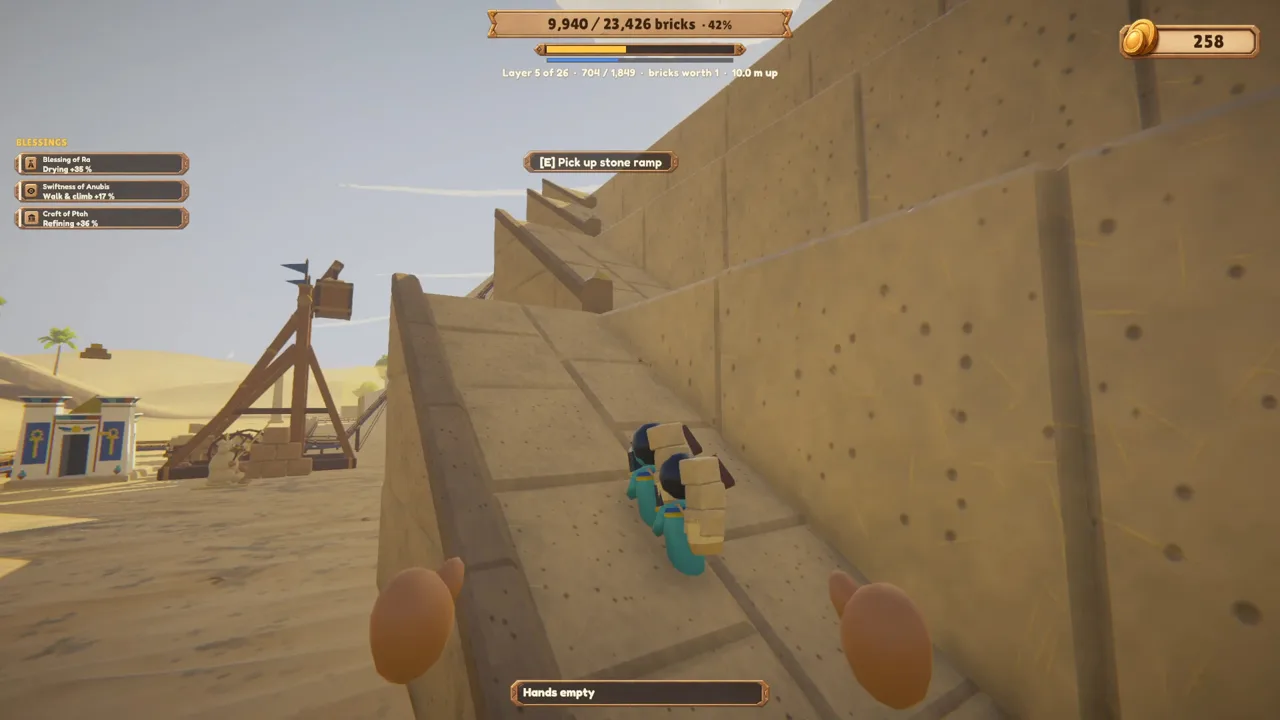 Image: Steam / Pattez Games
Split the work around these jobs:
- Clay supply: Collect clay from the Nile bank and keep the molds or Clay Hoppers supplied.
- Brick production: Fill molds, manage drying, and collect finished bricks.
- Transport and construction: Move output toward the pyramid and place it where needed.
- Equipment and workers: Connect machinery, assign Shabti, and manage upgrades.
These are tasks to divide among yourselves, rather than fixed character classes. Combine responsibilities in a smaller crew and move players whenever work starts piling up.
Press Enter to use text chat. Call out an empty hopper, stalled belt, or planned purchase before somebody spends the shared funds elsewhere. Shabti upkeep comes from the team wallet, so equipment spending affects more than the next upgrade.
As automation takes over, shift players toward unfinished construction, processing upgrades, or delivery problems. Keep watching where bricks accumulate: that queue tells you which stage needs attention.
Build Automation From Clay Supply to Delivery
Automate a complete route before expanding every machine along it. More molds need more clay, drying capacity, and somewhere for finished bricks to go.
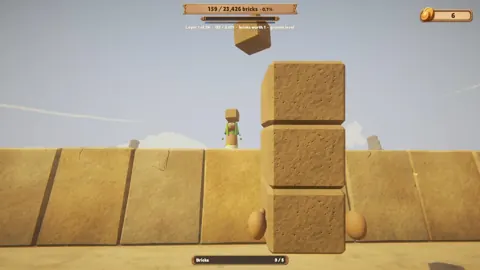
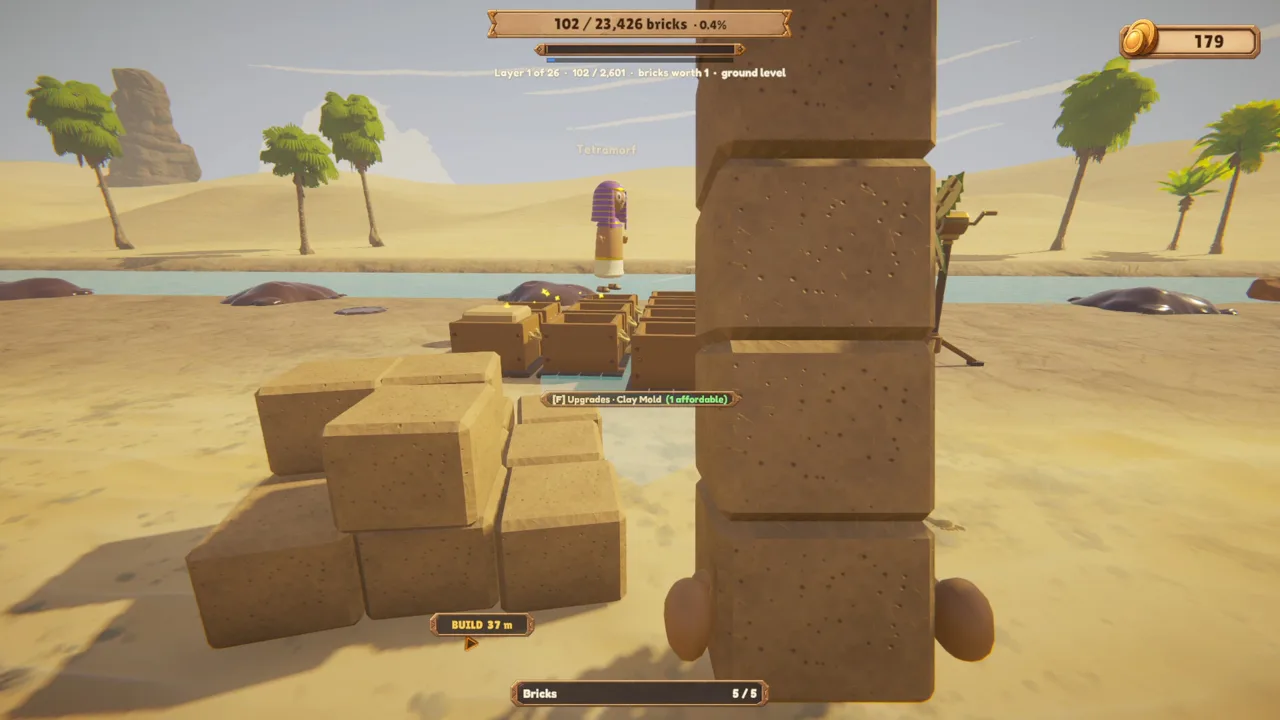 Image: Steam / Pattez Games
Keep the molds supplied and drying
Place a Clay Hopper near your molds and read its interaction prompt to see its stock and how many molds it covers. An empty hopper or a mold outside its feed range interrupts production.
Use a Standing Fan aimed at wet molds to shorten drying, or place molds inside a Clay & Molds Kiln’s coverage. Check the coverage preview when arranging equipment. The Glaze Kiln is a separate machine and does not handle mold drying.
Connect power before adding more machinery
A Nile Water Wheel must connect to the shaft network to power machines. Use Gearboxes to redirect or branch the shafts, and check that each machine’s blue power port is connected.
Compare network Load against Capacity when machinery stops. For example, a load of 560 exceeds 512 capacity; raising connected capacity to 768 lets that network run.
Disconnect some demand or add connected power capacity before buying another processing machine.
Give finished bricks a clear route
Use Conveyor Belts, Splitters, Mergers, and Sorters to move output between stages. Aim at a Sorter and press F to configure a separate rule for each of its three exits.
Carry bricks, toss them between players, or feed them toward catapults and trebuchets. Check launcher coverage as construction moves upward. If delivery equipment cannot reach the remaining spaces, reposition it or finish those spaces manually.
| Problem | Check first |
|---|---|
| Empty molds | Hopper stock and mold coverage |
| Slow drying | Fan direction and Clay & Molds Kiln coverage |
| Stopped machinery | Shaft connections and Load versus Capacity |
| Bricks collecting at an exit | The next belt, receiver, or processing stage |
| A launcher cannot fire | Press E to display the reason |
| Workers stopped working | Team funds, assignment, and Work Post settings |
Trace the route from the first point where material stops moving. Fix that stage before expanding production upstream.
Give Shabti Specific Jobs and Keep Them Paid
Shabti can haul materials, operate machinery, and help build the pyramid. Hiring them is only part of the setup: they also need assignments and ongoing pay.
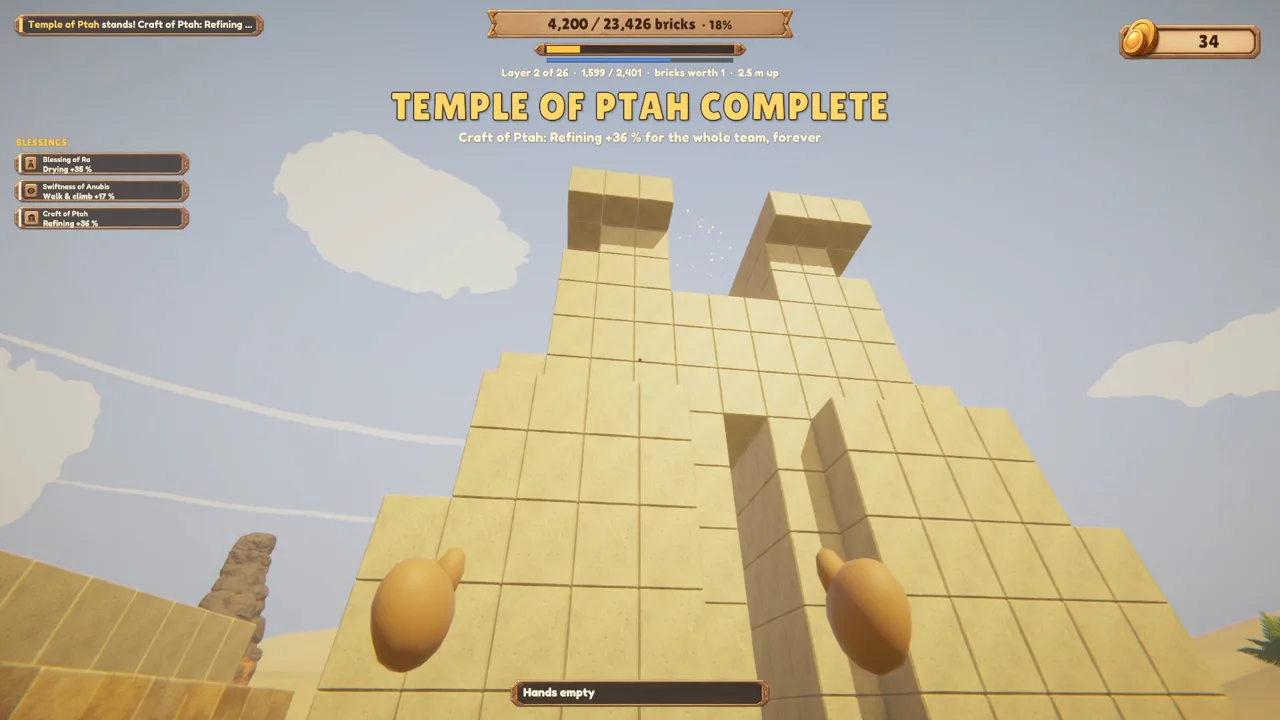 Image: Steam / Pattez Games
At the Shabti Market, aim at an individual worker and hold F to inspect their stats, traits, and price. Compare workers before hiring, then assign them to the equipment or Work Post that needs help.
For Work Posts, pay attention to the job:
- Gather: Workers deliver collected items to the nearest Conveyor Belt or Crate. Move an unwanted nearby receiver if bricks keep going to the wrong place.
- Build: Position the post near the pyramid and keep bricks within range.
Each Shabti takes coins from the team wallet every minute. Workers go on strike when the money runs out, so leave a reserve before purchasing more equipment or expanding the crew.
Lunch Hearth drinks provide temporary buffs when fed to workers; upkeep continues separately. Likewise, buying the Crew upgrade for a Polishing Wheel adds worker slots, up to four, but does not hire or assign anyone.
The November 20 update, #0.43, made several worker changes useful to a construction crew:
- Pyramid Work Posts keep building after you move them higher, and their Shabti explain what is blocking their work.
- Shabti carve faster at the Scribe’s Bench.
- The Thoth’s Hand trait doubles carving speed at the Scribe’s Bench.
Use Public Lobby Roles to Manage Building Access
Public lobbies give the host control over who can modify the operation. Since the November 16 update, #0.42.1, players outside the host’s friends list enter public lobbies as guests.
Guests can contribute to brick making and placement. The host can promote or demote players through the TAB panel.
Check a newcomer’s role before assigning them a machinery or construction management task. Promote them through the panel when you want them taking on broader responsibilities.
Version #0.42.1 also added a one-minute grace period for a full building refund. Check a new building’s position and connections immediately after placing it so you can correct a misplaced purchase within that window.
Agree on the Pyramid’s Finish Before Mass Production
Your crew can process bricks beyond their basic mud form, including polishing, glazing, carving, and gold coating. Discuss the exterior before sending large batches into the pyramid.
For gold production, collect Gold Chips through the Gold Panning Tray, then use the Goldsmith’s Crucible to coat bricks. The starting brick changes the chip requirement:
| Starting brick | Gold Chips required |
|---|---|
| Mud Brick | 20 |
| Polished Brick | 16 |
| Glazed Brick | 12 |
Bring the Crucible to White-hot to reduce gold consumption by 25%. Gold bricks carry a ×30 placement multiplier in the pyramid; that multiplier is separate from the chip cost of making them.
Coordinate processing capacity with delivery. If your crew plans a gold tip, reserve the necessary output for those upper layers rather than letting every available brick feed into general construction.
Version #0.43 made removing bricks with the Mason’s Chisel free. Replacing a brick in a chiseled hole does not award coins, so use removal to correct the build rather than fund it.
Prepare for the Grand Pyramid’s Larger Operation
Grand Pyramid raises the requirement to 105,995 bricks and allows crews of up to 16. Before expanding, check that clay supply, drying, processing, power, and transport can keep pace with one another.
Since version #0.43, Grand Pyramid opens every blueprint—including the trader’s—and the Shabti Market from the first brick. Use that access to lay out the production chain with room for expansion.
Build the Architect’s Table, available only in Grand Pyramid, and press E to inspect the score your pyramid would receive if crowned immediately. It breaks down progress toward Golden Skin, Mirror Finish, Golden Tip, and the next rank.
Consult that breakdown before committing your crew to a major finishing project. Assign players to the materials and construction work needed for your chosen target, then keep the delivery line supplied while they build.
Continue with
 How They Built the Pyramids Controller Support GuideHow They Built the Pyramids controller guide: learn the menu buttons, explore Steam Deck improvements, and manage your brick-building crew with less fuss.
More in Features

How They Built the Pyramids Steam: Co-Op & Automation
Explore How They Built the Pyramids Steam gameplay, co-op limits, brick automation, Shabti upkeep, gold crafting, and the 105,995-brick Grand Pyramid mode.
How They Built the Pyramids System Requirements Guide
How They Built the Pyramids system requirements cover Windows, RAM, graphics, and storage. Compare your PC and explore Steam Deck support before you build.
Join the community
Official channels for news, updates and player help: