
How They Built the Pyramids Steam: Co-Op & Automation
Explore How They Built the Pyramids Steam gameplay, co-op limits, brick automation, Shabti upkeep, gold crafting, and the 105,995-brick Grand Pyramid mode.
Jump to

What Is How They Built the Pyramids?
How They Built the Pyramids Steam players have 23,426 reasons to automate: every one of those bricks needs to reach the pyramid. You start with Nile clay and turn a small construction site into a network of molds, machines, conveyors, and hired workers. Keeping those systems supplied matters just as much as adding more equipment.
Developed and published by Pattez Games, this construction and automation sim launched on November 13, 2026. You can play solo or bring friends into online co-op, with a larger crew limit for the Grand Pyramid added in update #0.42.
| Mode | Bricks required | Player count |
|---|---|---|
| Standard pyramid | 23,426 | 1–8 |
| Grand Pyramid | 105,995 | Up to 16 |
The standard pyramid rises through 26 layers to a height of 65 meters. Getting bricks up there leaves plenty of room for experimentation: carry them, throw them between teammates, route them along conveyors, or launch them with siege equipment. You can even launch your friends.
You can buy How They Built the Pyramids on Steam to tackle the construction project alone or with a crew.
Start With a Reliable Manual Brick Loop
Your early production chain begins with a Clay Bowl and Clay Molds:
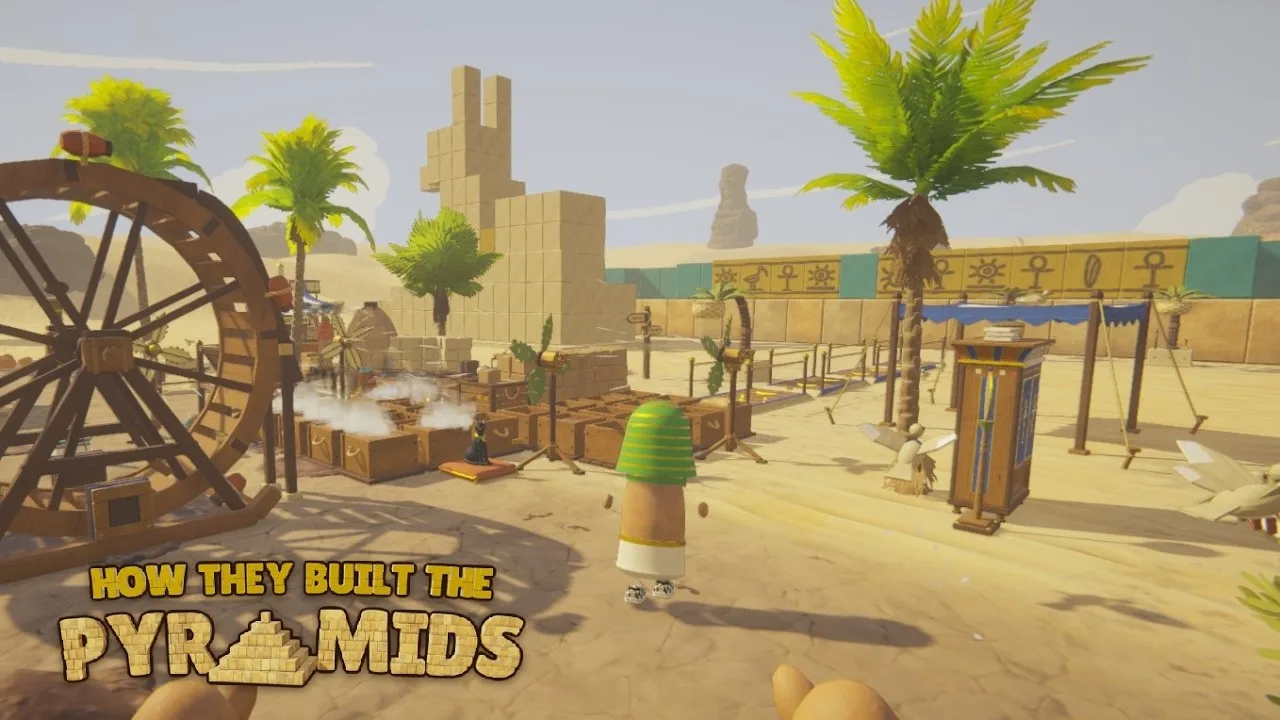
- Collect clay along the Nile bank.
- Fill your molds.
- Let the bricks dry until they reach Ready.
- Collect finished bricks with the left mouse button.
- Deliver and place them in the pyramid.
Expand the stage that is holding everything else back. Empty molds need clay; wet molds need faster drying; finished bricks piling up need collection and transport.
Aim a Standing Fan toward wet molds to shorten drying time. The Clay & Molds Kiln also speeds drying within its coverage area. Check its coverage preview when arranging molds, and keep it separate in your planning from the Glaze Kiln, which handles a different processing stage.
Physical Training improves Strength and Speed. Strength increases how much you can carry, while Speed helps with travel. Increase Strength when small loads force repeated short trips; increase Speed when the route itself takes too long. Once production outpaces your hauling, move finished bricks onto a transport system.
Starter Molds, Crates, and Gym Gear become removable after the team places 1,000 bricks. Build around them until you reach that milestone.
Automate Clay Supply, Power, and Transport
Automation has three jobs to solve: feed raw materials into production, power the machinery, and move finished output. A working conveyor cannot compensate for an empty hopper.
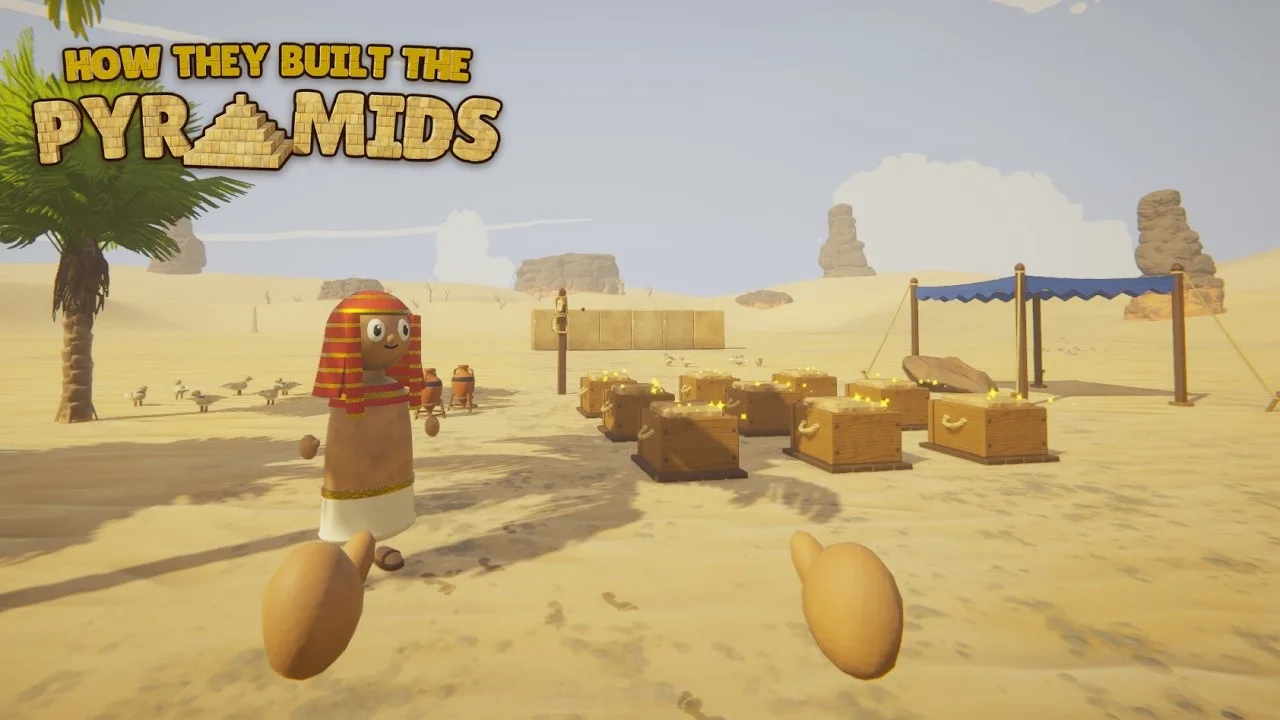
Set up your line in this order:
- Place a Clay Hopper near your molds.
- Check that the molds fall inside its feed coverage.
- Keep the hopper supplied with clay.
- Connect powered equipment to a shaft network.
- Route finished bricks toward storage, processing, or the pyramid.
- Assign Shabti to the manual jobs that remain.
The hopper’s interaction prompt shows its clay stock and how many molds it covers. Read that before adding more molds.
A Nile Water Wheel supplies power through connected shafts. Gearboxes let you turn or branch the network, while each machine’s blue power port needs a physical connection. Putting a water wheel beside a machine does not connect it.
Watch Load against Capacity when expanding. A network demanding 560 against 512 capacity overloads; increasing connected capacity to 768 lets that same load run. Trace disconnected ports and check those numbers before buying more machinery.
For transport, use Splitters to divide output, Mergers to combine routes, and Sorters to separate materials. Look at a Sorter and press F to configure a rule for each of its three exits.
When production stops, follow the brick:
- Empty molds: Check hopper stock and coverage.
- Wet bricks waiting: Check fan direction and drying coverage.
- Stopped machinery: Check shaft connections and power capacity.
- Finished bricks backing up: Follow the output route to its blocked receiver.
- Bricks arriving in the wrong crate: Check nearby receivers used by gathering workers.
Belts no longer load parked trolleys, and trolleys no longer travel along belts following update #0.42. Plan their routes separately.
Give Shabti Clear Jobs and Keep Them Paid
Shabti handle repetitive work, but hiring one does not assign a task. At the Shabti Market, aim at a worker and hold F to inspect their stats, traits, and asking price.
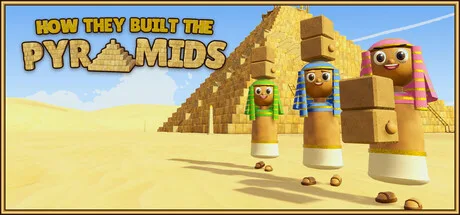 Image: Steam / Pattez Games
Use Work Posts to direct their labor. In Gather mode, workers deliver collected items to the nearest Conveyor Belt or Crate. Move an unwanted crate or reposition the receiver if your bricks keep taking the wrong route.
For pyramid construction, put a Work Post near the structure, select its building job, and keep bricks within reach. Since update #0.43, construction posts keep working after you move them upward, and their Shabti explain what is preventing progress.
Keep coins in the team wallet. Shabti take upkeep every minute and strike when the money runs out. Leave a reserve before spending your balance on another machine or another hire.
Lunch Hearth drinks provide temporary worker buffs when you feed them to Shabti. They do not replace coin upkeep. Likewise, purchasing extra Crew slots on a Polishing Wheel creates room for workers; it does not hire or assign them.
In multiplayer, divide responsibility across clay collection, production, transport, and construction. Move players toward the stage where work is accumulating. More people carrying bricks will not help an empty hopper.
Public lobbies also have role restrictions introduced in #0.42.1. Joining players outside the host’s friends list enter as guests, limited to making and placing bricks. Hosts can promote or demote players through the Tab panel. Press Enter for text chat.
Refine, Engrave, and Coat Your Bricks
Polishing, glazing, gold coating, and engraving give your production line more to do than churn out mud bricks.
On a Polishing Wheel, match upgrades to the slowdown:
- Reduce Polish Time when processing takes too long.
- Increase Bins when input or output storage fills.
- Add Crew slots when you have workers ready to assign, up to four.
Gold production starts with a Gold Panning Tray supplied with clay. During manual panning, alternate A and D with the water rhythm. Gold Chips collect in the bowl beneath the tray; switch to hands with 1, then use the left mouse button to collect them.
The Goldsmith’s Crucible uses those chips to coat bricks. Your base material changes the chip requirement.
| Base brick | Gold Chips required |
|---|---|
| Mud Brick | 20 |
| Polished Brick | 16 |
| Glazed Brick | 12 |
Bring the crucible to White-hot before casting to reduce gold use by 25%. Use the right mouse button to blow into the fire. Golden bricks receive a ×30 placement multiplier in the pyramid; that multiplier does not give you a fixed coin payout per brick.
Choose your intended outer appearance before sending everything into the same construction route. Keep processing lines separated when you want polished, glazed, or golden bricks available for different parts of the build.
For engravings, use the Scribe’s Bench. Update #0.43 increased Shabti carving speed and introduced Thoth’s Hand, a trait that doubles carving speed at the bench. That update also fixed carvings disappearing through Pigeon Lofts, Trebuchets, the Sledge Lift, and the Printing Press.
Monuments provide team benefits after construction. For the Temple of Ptah, plan for the 1,500-coin build cost and 407 mud bricks. Its Refining +25% blessing activates when the monument is finished.
To demolish a monument, equip the hammer and hold Q while aiming at it. Demolition returns no invested resources. Ordinary building placement has a separate one-minute grace period for a full refund, introduced in #0.42.1.
Plan Your Grand Pyramid Around Prestige
Finishing the standard pyramid opens the GRAND PYRAMID option on the new pyramid card. Added on November 15 in update #0.42, this New Game+ project expands the target to 105,995 bricks and supports crews of up to 16.
Update #0.43, released November 20, changed how this mode starts: every blueprint, including the trader’s, and the Shabti Market are available from the first brick.
Build an Architect’s Table to inspect your current crowning score before committing. Press E at the table for a breakdown that includes progress toward Golden Skin, Mirror Finish, the Golden Tip, and the next rank. Use it while planning the finish so you can see which targets still need work.
Before expanding production, check hopper coverage, drying capacity, processing output, connected power capacity, transport routes, and the upkeep reserve. Adding more molds increases demand on everything downstream.
Replacing placed bricks also became easier in #0.43: removing them with the Mason’s Chisel is free. Putting a brick back into a chiseled hole awards no coins.
The same update addressed save-corruption bugs and improved the Nile trader’s stock behavior so blessings and Shabti continue appearing. Pyramid and Grand Pyramid world rankings have separate boards.
Pick Achievement Goals Along the Way
There are 18 Steam achievements covering construction, workers, trading, machinery, and engraving. Several fit directly into normal production goals.
| Achievement | Unlock requirement | Global unlock rate |
|---|---|---|
| Brick by Brick | Place 1,000 bricks into the pyramid | 81.8% |
| Hired Help | Hire your first Shabti at the Shabti Market | 73.6% |
| Capstone | Crown the finished pyramid | 57.3% |
| Scribe | Carve your first engraving at a Scribe’s Bench | 45.3% |
| Steady Chisel | Carve an engraving with perfect 100 quality | 17% |
The 1,000-brick milestone is useful beyond Brick by Brick, since it also enables removal of starter equipment. Steady Chisel gives engraving a separate precision target once you have the Scribe’s Bench running.
Other machinery goals include Reed Highway for 100 operating belt tiles and Spin Doctor for turning a shaft at 32 rpm. Work those into a functional production line rather than building disconnected equipment solely to chase a milestone.
Check PC Requirements and Steam Deck Status
The game has a native Windows release, with these minimum requirements:
| Component | Minimum requirement |
|---|---|
| Operating system | Windows 10 64-bit |
| Processor | Intel Core i3 3.0 GHz or Ryzen 3xxx |
| Memory | 4 GB RAM |
| Graphics | Nvidia GeForce GTX 960 |
| Storage | 2 GB available space |
| Network | Broadband Internet connection |
Steam features include Steam Cloud, Family Sharing, adjustable text size, and saving at any time. Native macOS and Linux versions are not available.
Steam Deck compatibility is Unknown. Update #0.42 added improved default Deck settings, larger text, and an on-screen keyboard for text fields.
That update also added controller navigation across menus: A selects, B closes, Y activates the main button, and LB/RB switch tabs. Use those controls when managing production windows with a gamepad.
Continue with
 How They Built the Pyramids System Requirements GuideHow They Built the Pyramids system requirements cover Windows, RAM, graphics, and storage. Compare your PC and explore Steam Deck support before you build.
More in Features
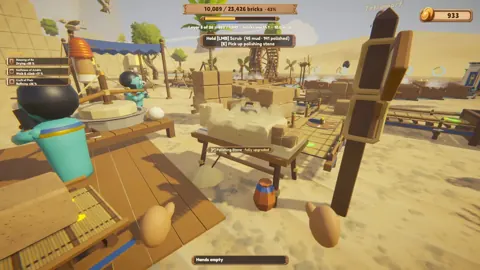
How They Built the Pyramids Co Op: Multiplayer Guide
How They Built the Pyramids co op supports 1–8 players, and up to 16 in Grand Pyramid. Learn crew roles, automation, Shabti upkeep, and public lobby rules.
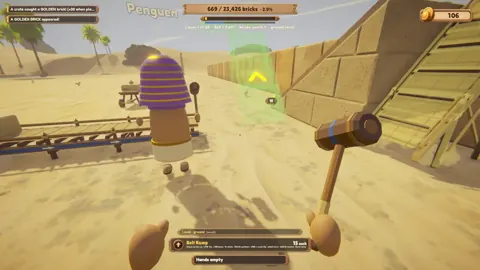
How They Built the Pyramids Controller Support Guide
How They Built the Pyramids controller guide: learn the menu buttons, explore Steam Deck improvements, and manage your brick-building crew with less fuss.
Continue exploring
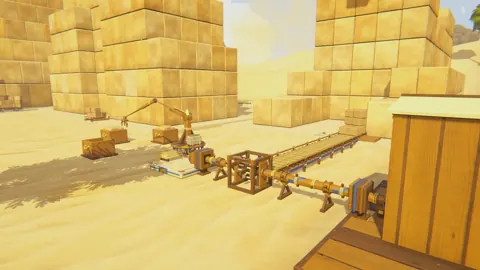
How They Built the Pyramids Game Guide: Build Faster
Use this How They Built the Pyramids game guide to automate bricks, manage Shabti, fix power problems, and prepare for the 105,995-brick Grand Pyramid.
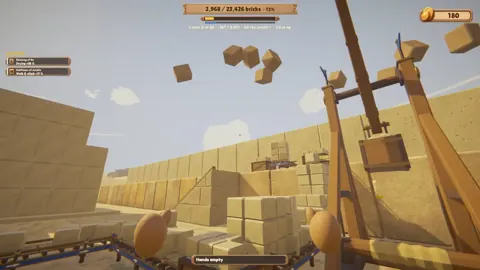
How They Built the Pyramids Carry Bricks: Hauling Guide
How They Built the Pyramids carry bricks guide: increase carrying capacity, organize co-op hauling, and use belts and Shabti to keep construction moving.
Join the community
Official channels for news, updates and player help: