
How They Built the Pyramids Game Shabti to Build: Guide
Get your How They Built the Pyramids game shabti to build with Work Posts. Learn hiring, Build mode, brick delivery, upkeep, and fixes for idle workers.
Jump to
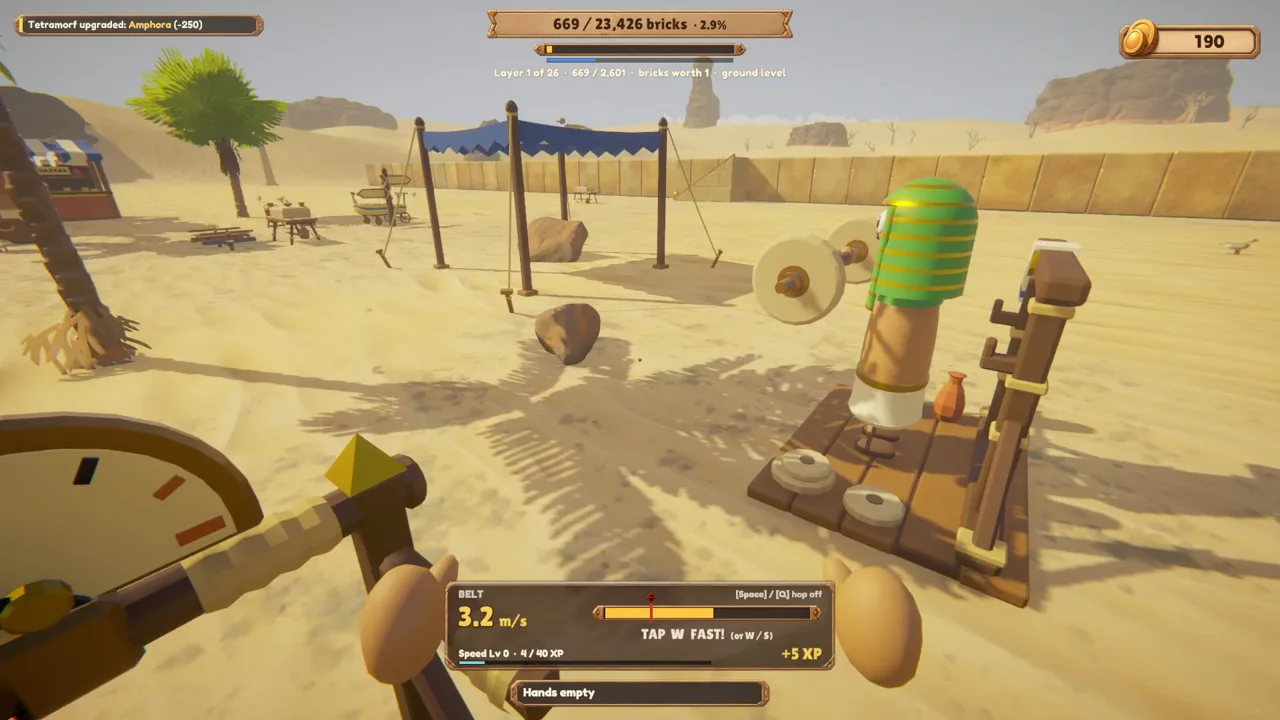
How to Get Shabti Building the Pyramid
A hired crew can take over brick placement while you expand production. Getting your How They Built the Pyramids game shabti to build requires a nearby Work Post set to Build mode. Keep bricks within the post’s range and enough coins in the team wallet to pay the workers.
Hiring is only part of the setup. Give your workers a construction assignment:
- Hire a Shabti at the Shabti Market. Aim at an individual worker and hold F to inspect its stats, traits, and asking price.
- Place a Work Post near the pyramid. This is the flag that gives the crew a work area and job.
- Pick up your hired Shabti and place it on the Work Post.
- Select Build mode. Gather mode handles item collection and delivery instead.
- Put bricks within the Work Post’s range. Keep your delivery point close enough for the construction crew to use its stock.
Start with a small assignment and watch whether bricks reach the pyramid. Expand the crew after the supply route works; additional builders still need material to place.
Official page: How They Built the Pyramids (store.steampowered.com)
Hire Workers Without Spending Their Wages
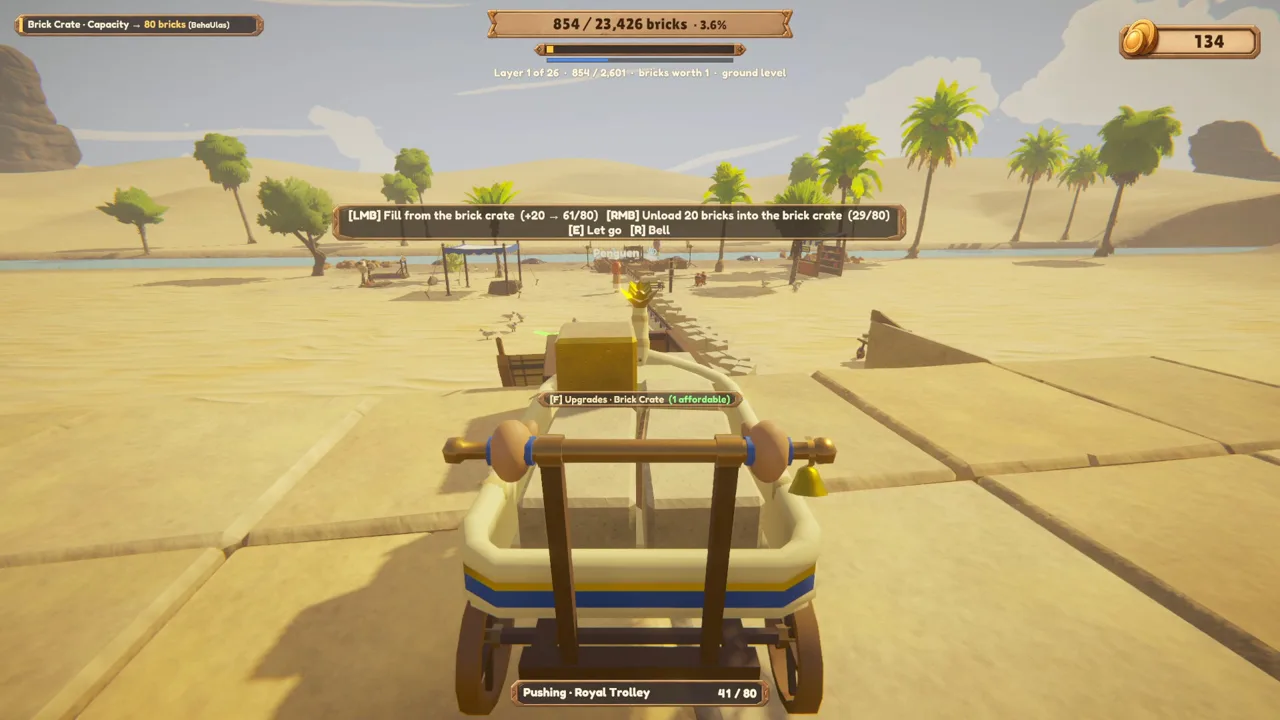 Image: Steam / Pattez Games
Hired Help unlocks when you hire your first Shabti at the Shabti Market, and 73.6% of players have it. Worth Its Weight, earned by having a Gold Shabti in your crew, has a 47.9% unlock rate.
Inspect individual workers before buying. Their asking prices vary, and their profiles show the stats and traits you’re paying for. Keep enough money beyond the hiring fee to support the crew afterward.
Every Shabti takes coins from the team wallet once per minute. When the wallet runs dry, workers strike. Paying the purchase price does not cover their ongoing wages.
Before expanding your workforce:
- Check the team balance before purchasing equipment or hiring another worker.
- Leave a reserve for upcoming wage payments.
- Keep brick placement moving so your operation continues earning money.
- If the crew strikes, check the wallet before rearranging its assignments.
Lunch Hearth drinks provide temporary buffs when you brew them, pick up the tray, and feed a worker. Drinks do not replace coin upkeep, so keep wage money available even when you’re supplying refreshments.
Feed the Construction Crew With a Reliable Brick Line
The standard pyramid requires 23,426 bricks across 26 layers. Use conveyors and storage to support the builders rather than making every delivery by hand.
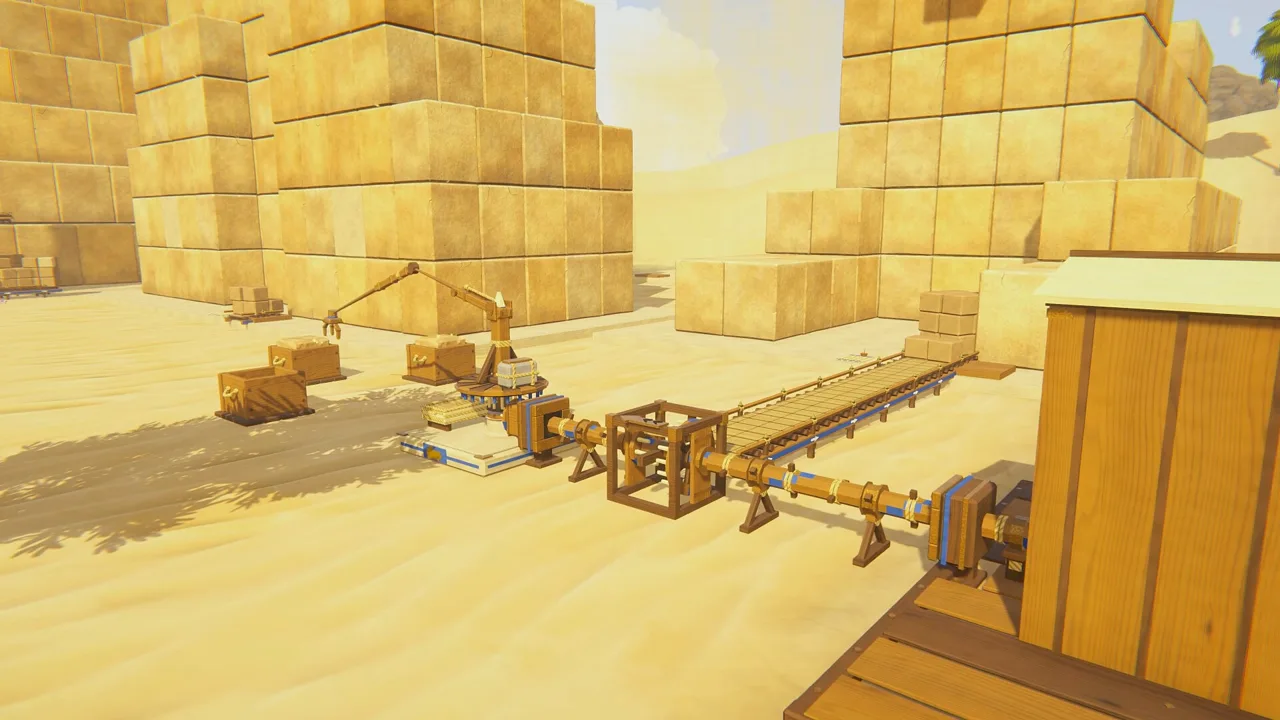 Image: Steam / Pattez Games
Trace the supply chain from the river to the Work Post:
- Supply clay. Keep your Clay Hopper stocked.
- Check mold coverage. Read the hopper’s prompt to see how many molds it covers.
- Support drying. Point Standing Fans at wet molds or place molds within a Clay & Molds Kiln’s coverage.
- Move finished bricks out. Give production a clear conveyor route toward construction.
- Keep the final brick supply inside the building post’s range.
When builders are waiting, find where material stops moving. Empty molds point toward clay supply. Wet bricks point toward drying. Finished bricks accumulating at production point toward output transport.
Powered equipment needs a connected shaft network with sufficient capacity. Compare Load/Stress against Capacity when machines stop; placing another water wheel nearby helps only if it joins the network.
Keep Gather Jobs From Sending Bricks Elsewhere
A Work Post in Gather mode sends collected items to the nearest Conveyor Belt or Crate. A nearby storage box can therefore receive bricks you intended to send down a belt.
Move the competing crate or reposition the intended receiver when deliveries go to the wrong place. Keep gathering and pyramid construction on separate assignments so each post has a clear purpose.
Split Building, Processing, and Specialist Jobs
Shabti can haul items, operate equipment, and build. Assign workers to the stage that is holding up production, then check whether the queue starts moving.

Use these roles to organize the site:
| Assignment | What it handles | Setup to check |
|---|---|---|
| Work Post: Build | Pyramid construction | Post near the pyramid, with bricks in range |
| Work Post: Gather | Item collection and delivery | Nearest Conveyor Belt or Crate |
| Polishing Wheel crew | Brick polishing | Available crew slots and assigned workers |
| Scribe’s Bench | Carving engravings | Worker assignment and carving traits |
The Polishing Wheel’s Crew upgrade increases worker slots up to four. Buying the upgrade creates capacity; you still need to hire and assign the workers.
Patch #0.43, released November 20, added Thoth’s Hand, a Shabti trait that doubles carving speed at the Scribe’s Bench. The same update also increased Shabti carving speed generally. Put a worker with that trait on carving duty when engravings are slowing your line.
Keep construction supplied before adding more processing stages. A builder can only place the bricks that reach its work area.
Move Work Posts Up With the Pyramid
Since #0.43, Work Posts on the pyramid keep building after you move them upward. Their assigned Shabti also explain what is preventing them from working.
Move the construction post as the build rises, then check its relationship to the brick supply. A relocated post still needs bricks within range.
When work stops after a move:
- Read the assigned Shabti’s message.
- Check that the post remains set to Build.
- Bring the brick supply within range of the new position.
- Check the team wallet if workers have gone on strike.
Use the worker’s message to choose the next adjustment instead of repeatedly moving the post.
Set Up Your Grand Pyramid Workforce
Grand Pyramid expands the project to 105,995 bricks and supports crews of up to 16 players. Finish the standard pyramid, then select GRAND PYRAMID on the new pyramid card to begin the larger site.
In #0.43, Grand Pyramid opens every blueprint, including the trader’s blueprints, and the Shabti Market from the first brick. You can plan worker assignments immediately.
Build the larger operation around dependable supply routes. Keep clay delivery, drying, processing, and construction moving before increasing the number of paid workers. Leave room to extend conveyors and relocate Work Posts as the pyramid grows.
For prestige planning, build the Architect’s Table, available only in Grand Pyramid, and press E to inspect the projected score. It shows progress toward Golden Skin, Mirror Finish, the Golden Tip, and the next rank. Use that information to decide which bricks your production line should deliver before committing the crew to placement.
Continue with
 How They Built the Pyramids Blessings: Monument GuideHow They Built the Pyramids blessings explained: build the Temple of Ptah, earn its team bonus, and use Nile trader offers to improve your brick operation.
More in Building
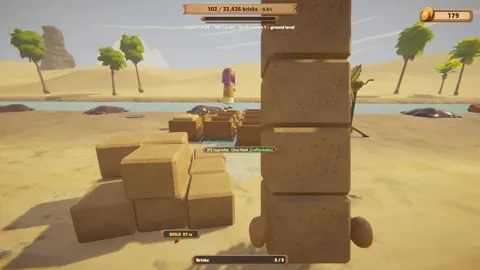
How They Built the Pyramids Demolish Monument Guide
Use the How They Built the Pyramids demolish monument controls to clear space. Learn the hammer shortcut, refund rules, and public lobby restrictions now.
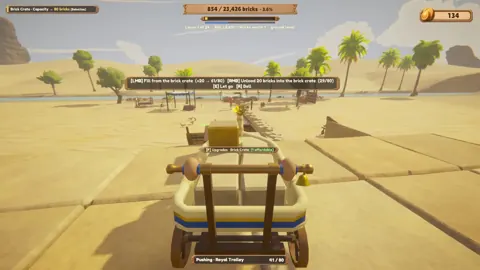
How They Built the Pyramids Game: Automate Building
In the How They Built the Pyramids game, automate building with Shabti, conveyors, and powered machines. Fix bottlenecks and keep bricks moving to the top.
How They Built the Pyramids Game Full Gold Pyramid Guide
How They Built the Pyramids game full gold pyramid guide: learn gold coating costs, factory setup, brick replacement, and Grand Pyramid prestige planning.
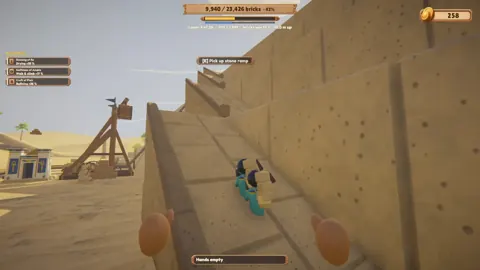
How They Built the Pyramids Game How to Automate at Start of Game
Learn how to automate early in How They Built the Pyramids with Clay Hoppers, Shabti, water wheel power, and conveyor belts that keep your bricks moving.
Join the community
Official channels for news, updates and player help: