
How They Built the Pyramids Trebuchet Firing Guide
How They Built the Pyramids trebuchet firing explained: use E, diagnose blocked shots, support automated volleys, and keep carved bricks intact in transit.
Jump to
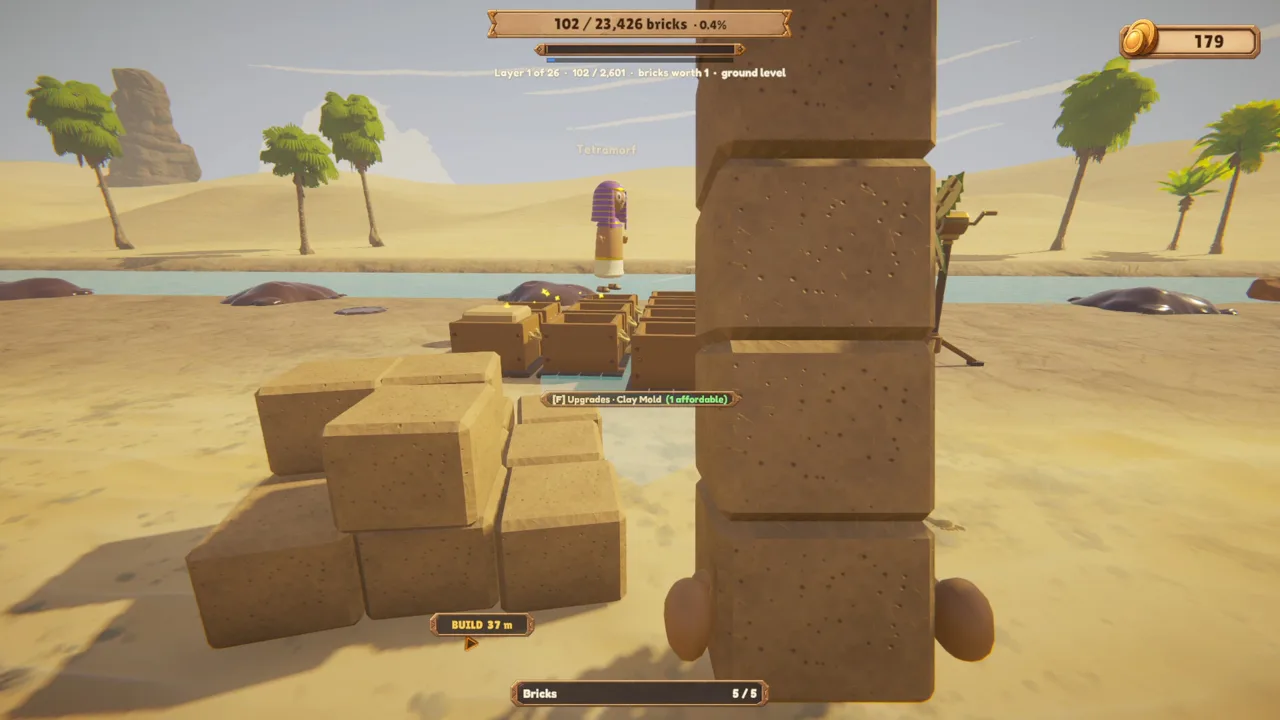
How to Fire a Trebuchet
How They Built the Pyramids trebuchet firing helps your crew move bricks without carrying every load across the construction site. Press E to interact with the trebuchet; since v0.42, an unsuccessful firing attempt displays the reason it cannot launch. Read that message before moving equipment or rebuilding your supply line.
Start with a manual interaction even if you plan to automate. Address the displayed blocker, then try again before adding workers or expanding the power network.
These updates matter when setting up your launcher:
| Update | Trebuchet change |
|---|---|
| v0.42 — November 15, 2026 | Pressing E when firing is blocked displays an explanation. |
| v0.43 — November 20, 2026 | Every volley contributes to Trebuchet Enthusiast, including Shabti-operated and powered volleys. |
| v0.43 — November 20, 2026 | Carved bricks retain their engravings while passing through trebuchets. |
Official page: How They Built the Pyramids (store.steampowered.com)
Keep Brick Production Ahead of Transport
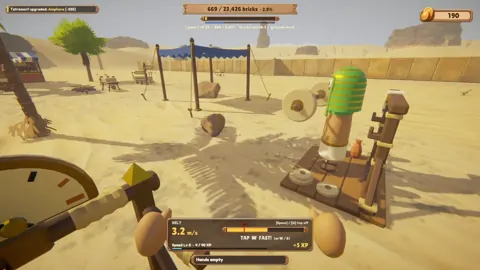
A launcher belongs at the end of a working brick-making operation. Before expanding transport, follow a brick through clay supply, drying, processing, and delivery. Fix the point where movement stops.
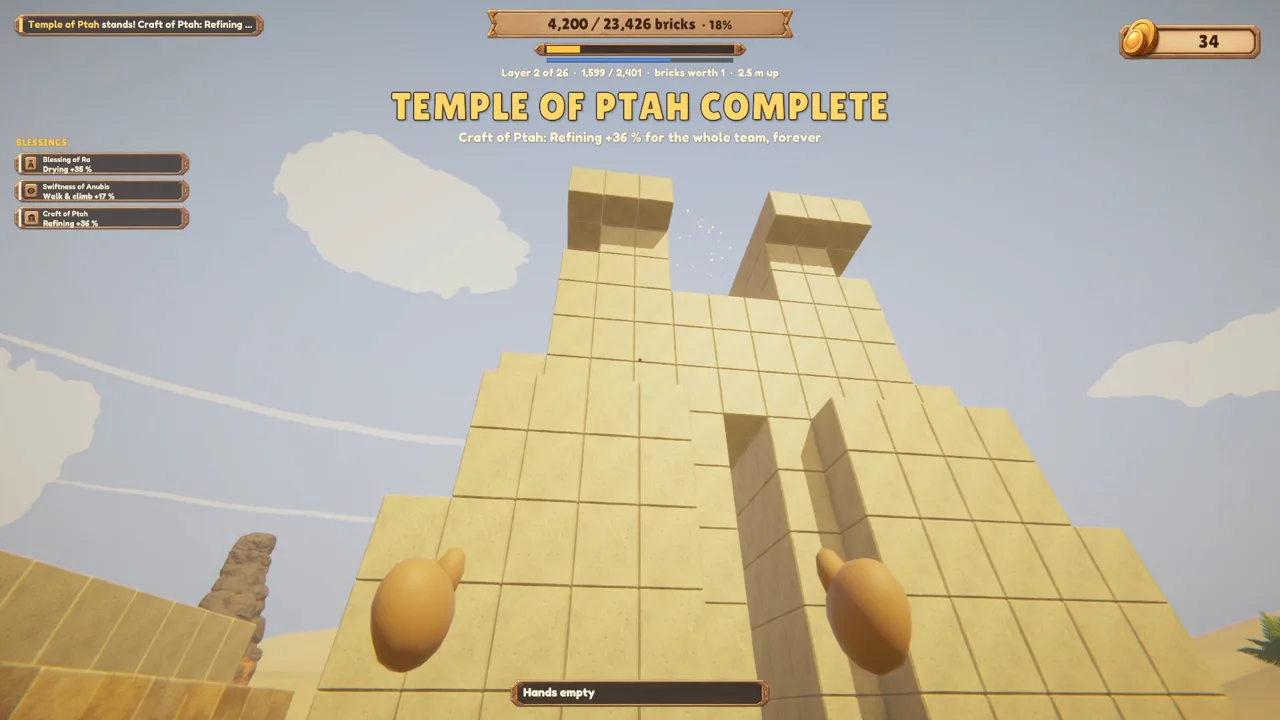 Image: Steam / Pattez Games
Use this checklist to inspect the line:
- Empty molds: Check the Clay Hopper’s stock and coverage. Its prompt shows how much clay it holds and how many molds it reaches. The Clay Hopper holds 40 kg of clay and has a feed range of about 3.5 meters.
- Slow drying: Aim Standing Fans at wet molds, or check the Clay & Molds Kiln’s coverage preview.
- Processing queues: Inspect the input and output capacity of your Polishing Wheels.
- Misrouted deliveries: Check nearby Crates and Conveyor Belts. Shabti in Gather mode deliver to the nearest receiver.
Keep a storage buffer between production stages to hold bricks when the next machine backs up. Expand the stage that is falling behind before buying another launcher.
When routing different brick types, use a Sorter to separate their paths. Since v0.42, each of its three exits has an independent rule; look at the Sorter and press F to configure it.
Support Shabti and Powered Firing
Trebuchets support Shabti crews and powered operation. In v0.43, both contribute volleys toward Trebuchet Enthusiast, so automated firing continues that progress.
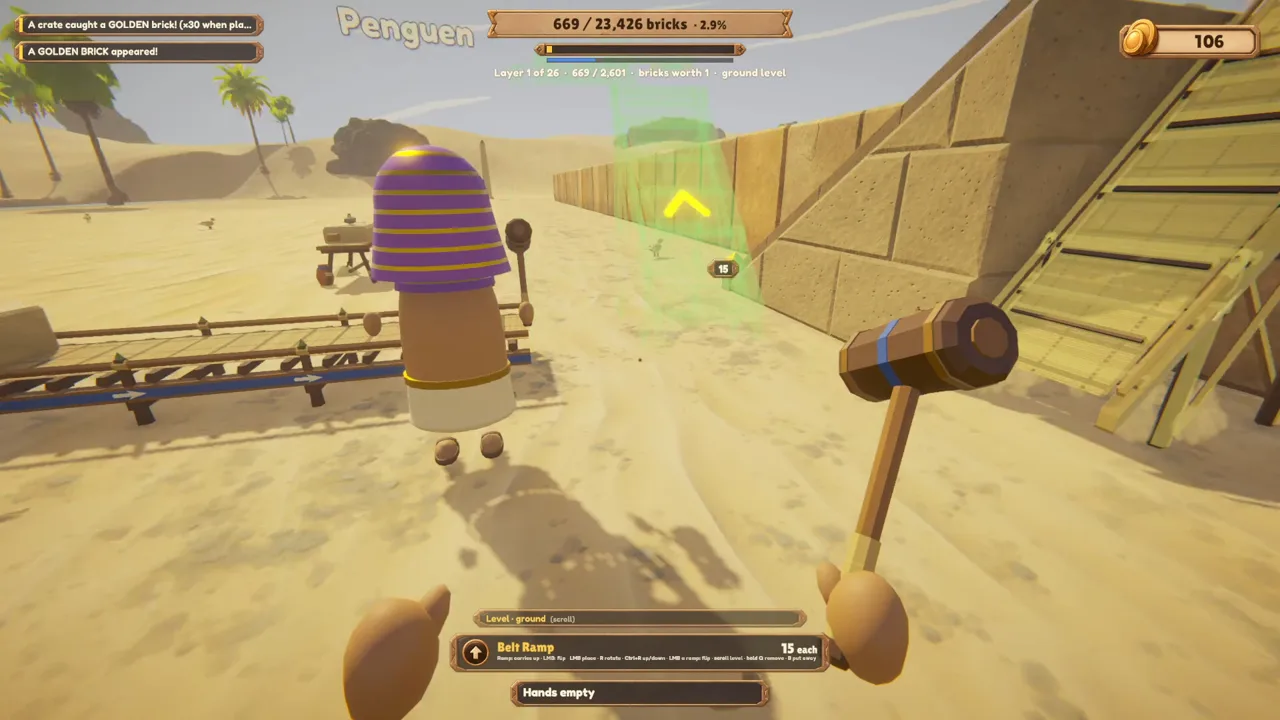 Image: Steam / Pattez Games
For worker-operated equipment, keep coins available after hiring. Shabti take upkeep from the team wallet every minute and stop working when it runs dry. Check the balance before expanding your crew, especially when buying machinery at the same time.
For powered equipment, inspect the physical connection before adding generation. Machines need a connected shaft network; a nearby Nile Water Wheel contributes nothing unless it joins that network.
Compare Load/Stress with Capacity when machinery stops. For example, a network with 560 Load and 512 Capacity is overloaded. Raising connected capacity to 768 gives that load enough power. Add connected wheels or disconnect other machinery to bring demand within capacity.
Return to the trebuchet and press E after addressing the problem. Use its firing message to guide the next adjustment.
Send Engraved Bricks Through the Launcher
Since v0.43, carved bricks keep their engravings when transported through Trebuchets, Pigeon Lofts, and the Sledge Lift. You can carve bricks before sending them through those transport systems.
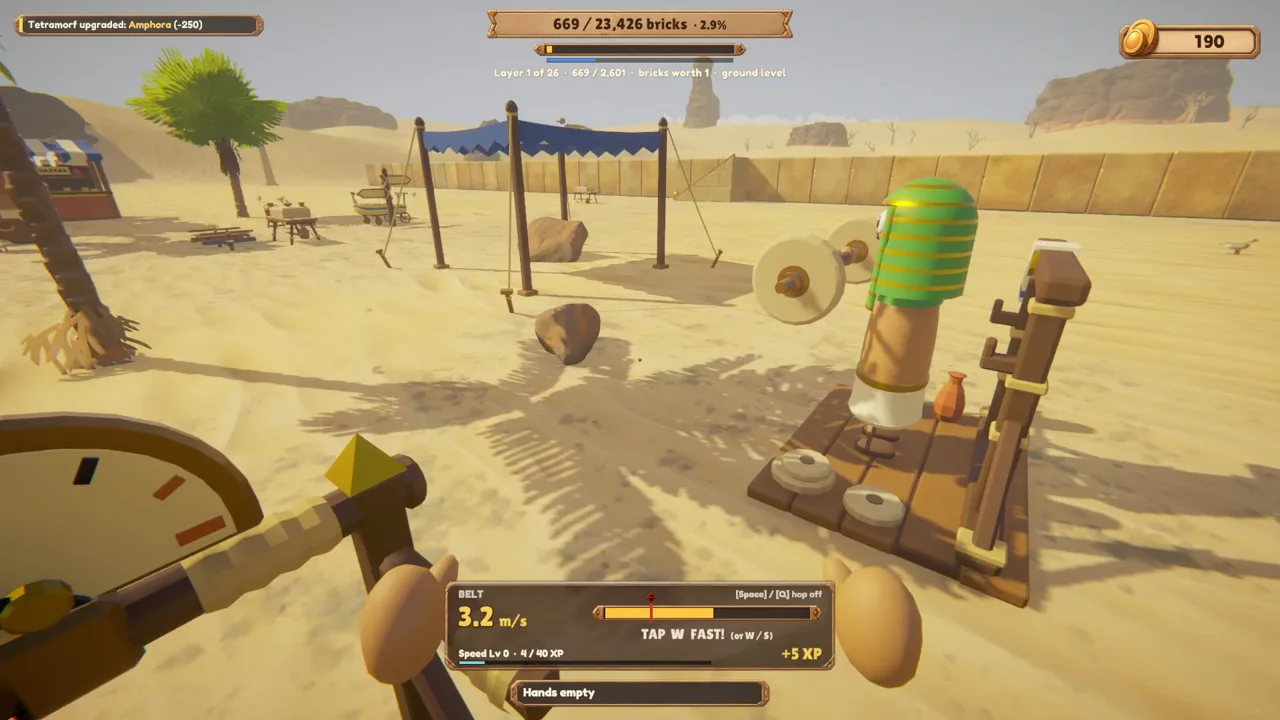 Image: Steam / Pattez Games
Keep that change in mind when arranging your finishing area: engraving can happen before transport to the pyramid. Preserve separate routes for the brick styles you intend to use on different parts of the structure, and configure Sorter exits before feeding mixed production into the line.
On the Grand Pyramid, use the Architect’s Table to inspect your current crowning score and progress toward goals such as Golden Skin, Mirror Finish, and the Golden Tip. Check that breakdown before committing more finished bricks to your transport network.
Continue with
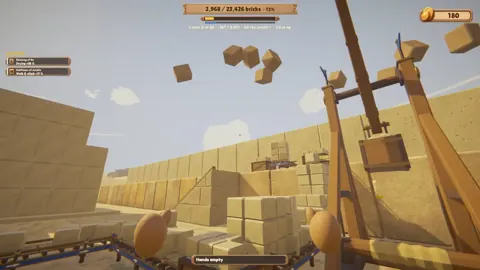 How They Built the Pyramids Carry Bricks: Hauling GuideHow They Built the Pyramids carry bricks guide: increase carrying capacity, organize co-op hauling, and use belts and Shabti to keep construction moving.
More in Transport
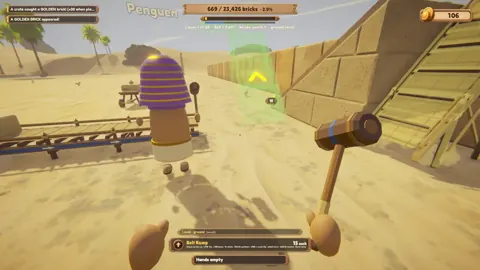
How They Built the Pyramids Conveyor Routing Guide
Master How They Built the Pyramids conveyor routing with sorter controls, Shabti delivery tips, and practical fixes for backed-up brick production lines.
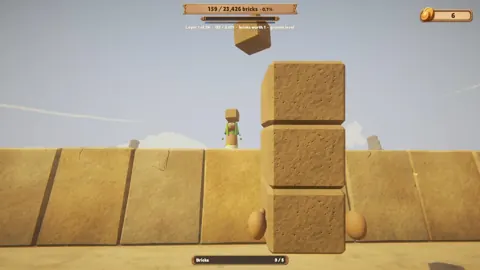
How They Built the Pyramids Sledge Lift: Carving Fix
How They Built the Pyramids Sledge Lift keeps carvings intact in v0.43. Learn what changed and how to keep engraved bricks moving toward pyramid placement.
Continue exploring
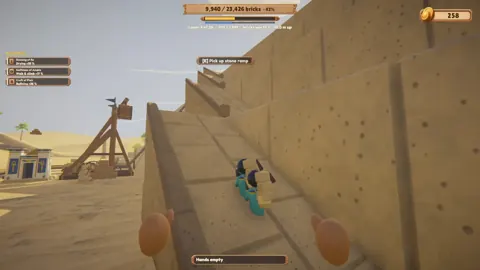
How They Built the Pyramids Game How to Automate at Start of Game
Learn how to automate early in How They Built the Pyramids with Clay Hoppers, Shabti, water wheel power, and conveyor belts that keep your bricks moving.
How They Built the Pyramids Game Shabti to Build: Guide
Get your How They Built the Pyramids game shabti to build with Work Posts. Learn hiring, Build mode, brick delivery, upkeep, and fixes for idle workers.
Join the community
Official channels for news, updates and player help: