
How They Built the Pyramids Controller Support Guide
How They Built the Pyramids controller guide: learn the menu buttons, explore Steam Deck improvements, and manage your brick-building crew with less fuss.
Jump to
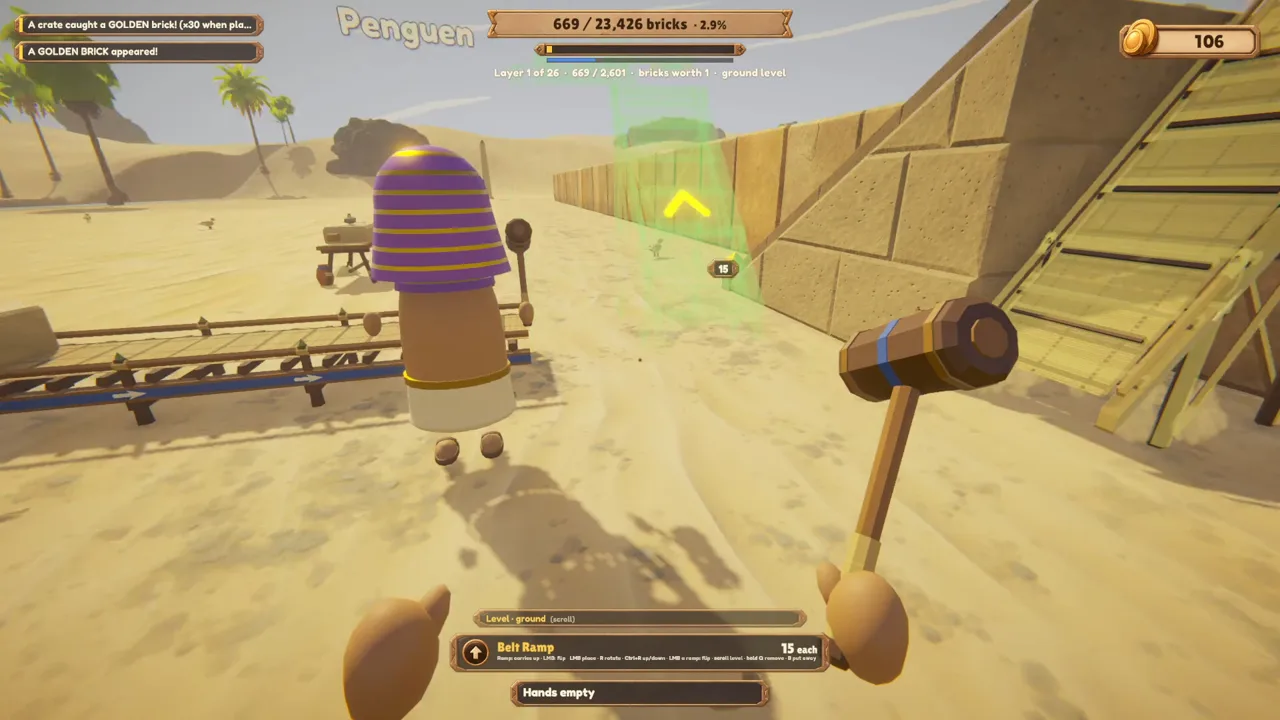
What Controller Support Does the Game Have?
Building a pyramid takes enough work without wrestling with menus. How They Built the Pyramids controller navigation covers every in-game window starting with v0.42. That gives you dedicated gamepad buttons for pressing buttons, closing windows, and switching tabs while managing your construction operation.
The November 15, 2026 update introduced this menu layout:
| Menu action | Controller button |
|---|---|
| Press a button | A |
| Close the window | B |
| Activate the window’s main button | Y |
| Switch tabs | LB / RB |
Use LB and RB to move between tabs, then use A for individual buttons or Y for the window’s main action. Keep B handy when moving between equipment windows around your site.
The distinction matters as your operation grows. Making bricks is only part of the job: configuring transport, assigning workers, and managing upgrades all compete for your attention.
Official page: How They Built the Pyramids (store.steampowered.com)
Steam Deck Improvements and Compatibility
The same v0.42 update added better Steam Deck default settings, larger text, and an on-screen keyboard for text fields. Those changes address practical handheld needs, especially when navigating windows and entering text.
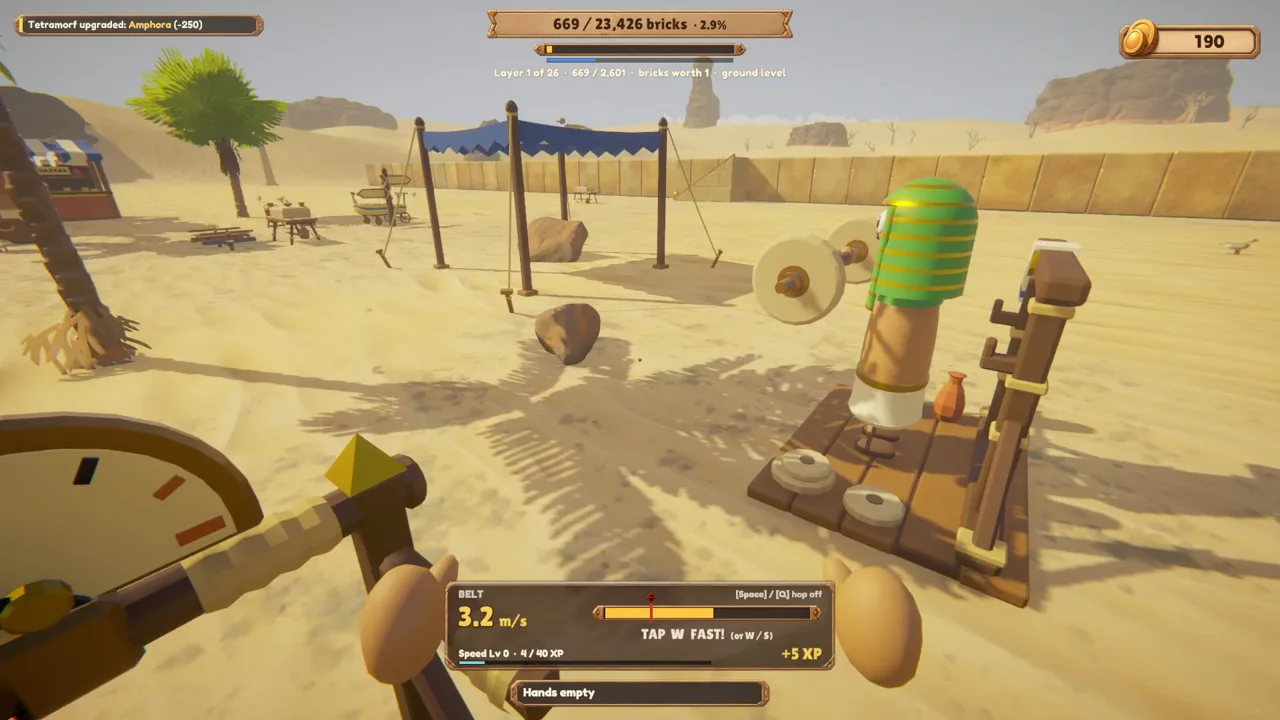 Image: Steam / Pattez Games
The Steam Deck compatibility rating is Unknown. SteamOS/Linux compatibility also has an Unknown rating, while Windows is the supported PC platform.
Keep the interface improvements and compatibility rating separate when planning a handheld session. The larger text and text-entry changes are specific additions; they do not provide a performance target or a Deck Verified designation.
The game also includes adjustable text size and camera comfort options. Adjust text size before settling into a long session so equipment windows remain readable on your screen.
Use Equipment Windows to Keep Production Moving
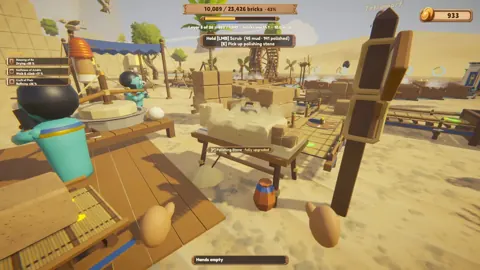
Menu navigation becomes more useful once your brick operation expands beyond carrying everything by hand. Focus your adjustments on the stage where materials stop moving.
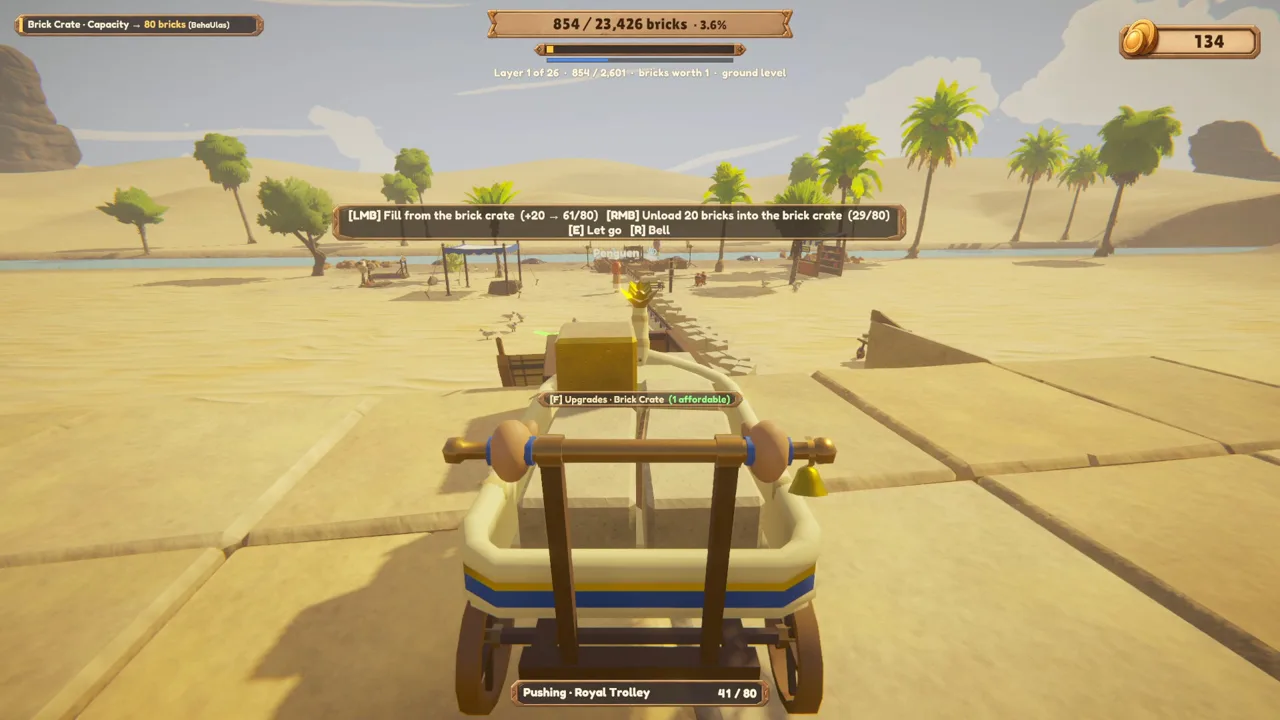 Image: Steam / Pattez Games
Give Each Sorter Exit a Job
Since v0.42, each of a Sorter’s three exits has its own rule. The keyboard interaction is F while looking at the Sorter.
Configure each exit around the materials you want on that route. When different brick types share your transport network, check those rules before rebuilding an entire conveyor section. A routing problem needs a routing adjustment.
Check Work Posts Before Hiring More Shabti
Shabti need assignments through Work Posts. Build mode puts them to work on the pyramid, with the post near the structure and bricks within range.
Version 0.43, released November 20, improved this workflow: pyramid Work Posts continue building after you move them upward, and their Shabti explain what is preventing them from working.
Move the post as construction climbs, then check the worker’s message if progress stops. Also keep coins in the team wallet: Shabti collect upkeep every minute and strike when the money runs out.
In Gather mode, workers deliver items to the nearest Conveyor Belt or Crate. Move an unwanted nearby receiver if bricks keep arriving in the wrong place.
Read Grand Pyramid Scoring Before Crowning
Grand Pyramid adds a much larger target: 105,995 bricks, with crews of up to 16 players.
Since v0.43, its Architect’s Table displays the score your pyramid would receive if crowned immediately. It also tracks progress toward Golden Skin, Mirror Finish, the Golden Tip, and the next rank. Build the table and use E on keyboard to open it, then inspect those goals before committing to your finish.
Check Lobby Permissions When Actions Are Restricted
An interaction restriction can come from your multiplayer role.
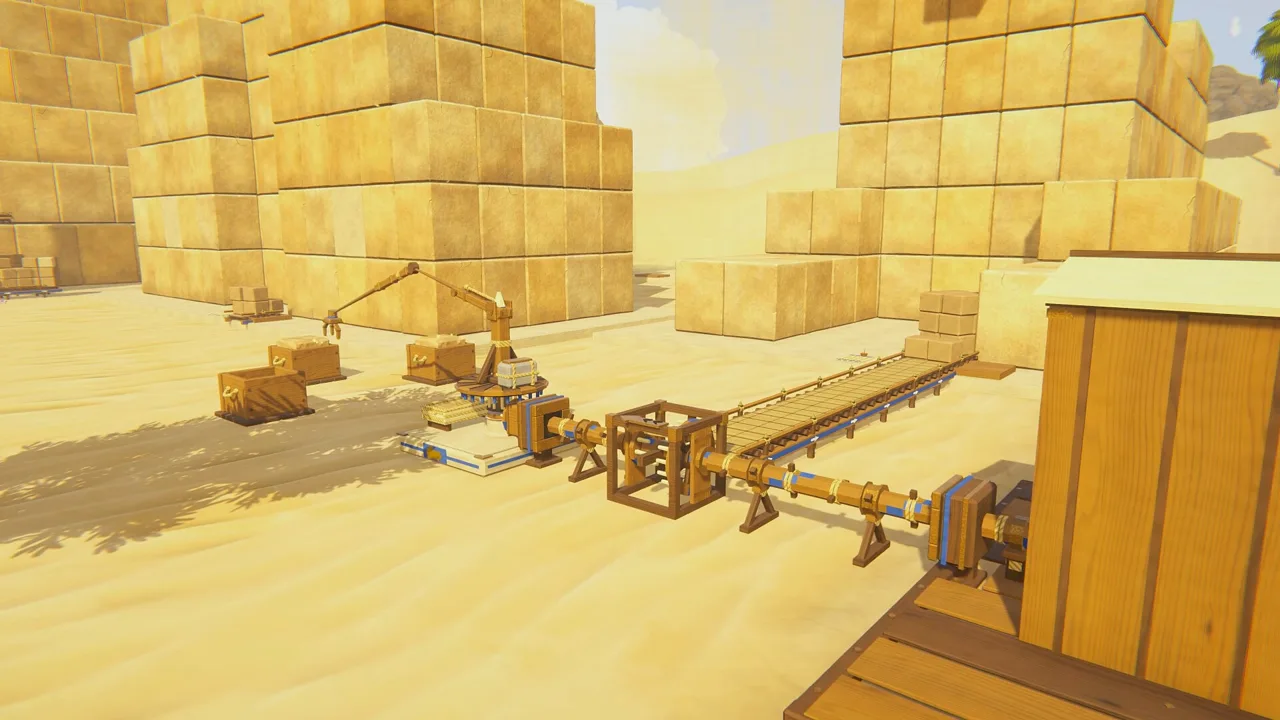 Image: Steam / Pattez Games
Since v0.42.1, released November 16, players joining a public lobby who are outside the host’s friends list enter as guests. Guests can contribute to brick making and placement. Hosts can promote or demote players through the TAB panel.
Ask the host to review your role if your assigned job involves managing the wider operation.
For crew communication, Enter opens text chat, added in v0.42. Coordinate equipment changes before moving shared production lines, especially when several players are feeding the same conveyors or relying on the same Shabti crew.
Continue with
 How They Built the Pyramids Steam: Co-Op & AutomationExplore How They Built the Pyramids Steam gameplay, co-op limits, brick automation, Shabti upkeep, gold crafting, and the 105,995-brick Grand Pyramid mode.
More in Features
How They Built the Pyramids Co Op: Multiplayer Guide
How They Built the Pyramids co op supports 1–8 players, and up to 16 in Grand Pyramid. Learn crew roles, automation, Shabti upkeep, and public lobby rules.
How They Built the Pyramids System Requirements Guide
How They Built the Pyramids system requirements cover Windows, RAM, graphics, and storage. Compare your PC and explore Steam Deck support before you build.
Join the community
Official channels for news, updates and player help: