
How They Built the Pyramids New Game Plus: Unlock Guide
Explore How They Built the Pyramids new game plus: unlock Grand Pyramid, tackle 105,995 bricks, recruit a 16-player crew, and plan your prestige strategy.
Jump to
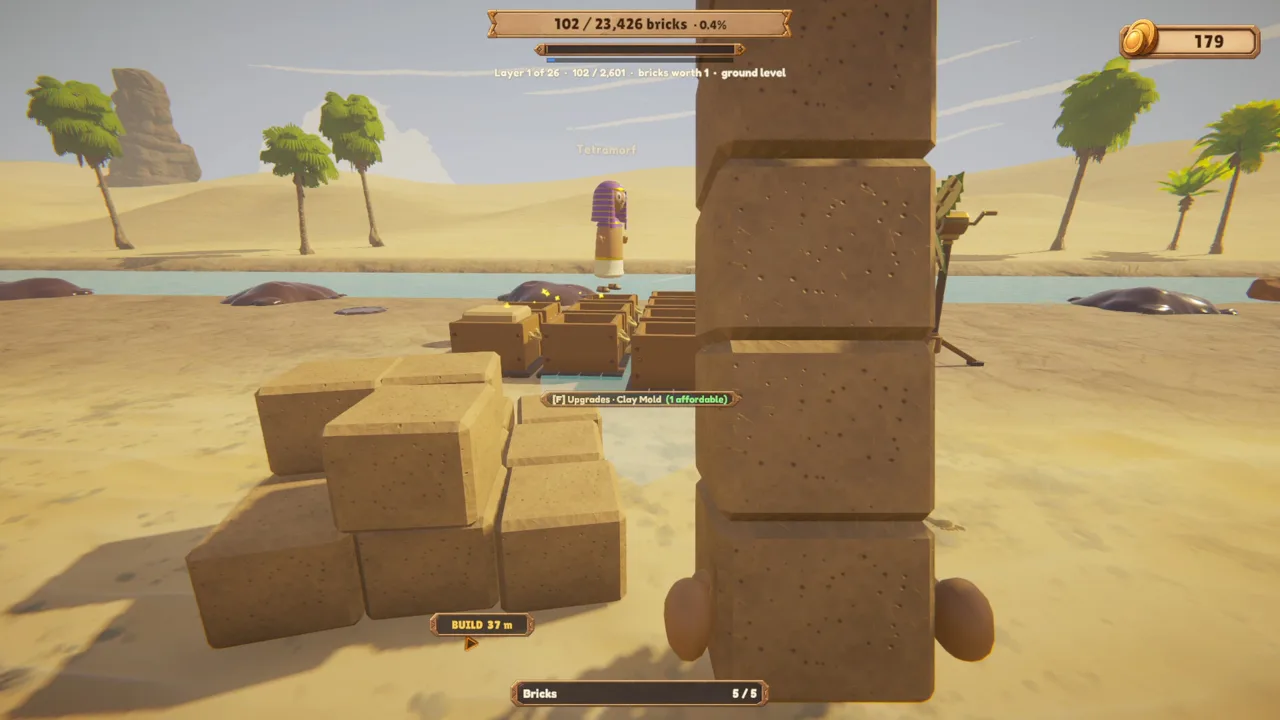
How to Unlock Grand Pyramid (New Game+)
Your finished pyramid is the entry ticket to a much larger construction job. How They Built the Pyramids new game plus unlocks after you finish a pyramid: choose GRAND PYRAMID on the new pyramid card. With 105,995 bricks to place and room for up to 16 players, the next build gives your crew a much larger reason to automate.
Grand Pyramid arrived in the November 15, 2026 update, #0.42. The November 20 update, #0.43, expanded it with immediate blueprint access and an Architect's Table for planning prestige.
| Feature | Standard Pyramid | Grand Pyramid |
|---|---|---|
| Required bricks | 23,426 | 105,995 |
| Player capacity | 1–8 | Up to 16 |
| Construction site | Standard site | Bigger site |
Choose the larger project when you want to expand your factory, coordinate a larger crew, or spend more attention on the finished pyramid's prestige.
Official page: How They Built the Pyramids (store.steampowered.com)
Use Your Blueprints From the Start
Since #0.43, Grand Pyramid opens every blueprint, including the trader's blueprints, and the Shabti Market from the first brick.
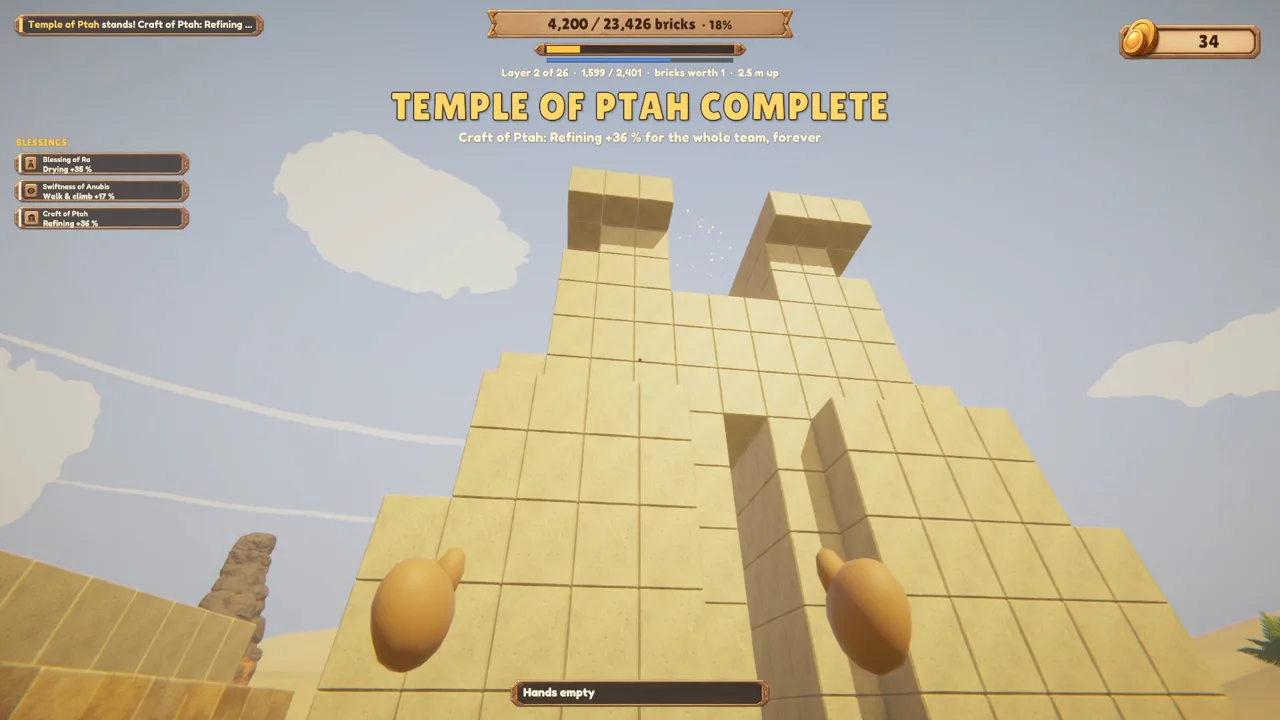 Image: Steam / Pattez Games
Plan your layout around that access. Reserve space for clay supply, mold drying, processing, power, and delivery before filling the site with equipment. Keep routes between those stages clear so expanding one part of the factory does not force you to rebuild its neighbors.
Separate ordinary brick output from your polishing, gold coating, and engraving routes. Use Sorters to direct different outputs: look at a Sorter and press F to configure a separate rule for each of its three exits.
Start with a working route from clay to placement, then add processing capacity where the line needs it. An unlocked machine still needs materials, power or workers, and somewhere for its output to go.
Scale Production Without Moving the Bottleneck
A larger mold setup only helps when clay arrives fast enough and finished bricks leave fast enough. Follow the production chain in order when expanding or troubleshooting.
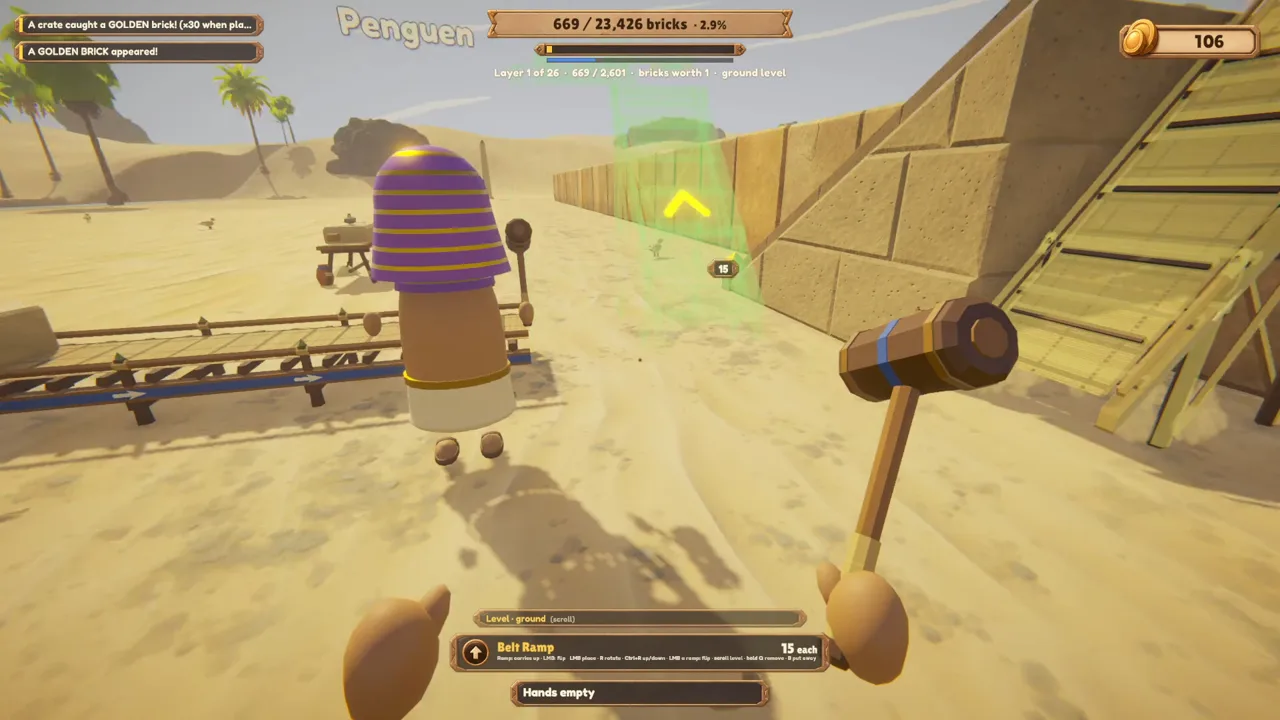 Image: Steam / Pattez Games
- Keep clay flowing. Place Clay Hoppers close enough to feed your molds, and check their stock and coverage prompt. The hopper's reference capacity is 40 kg, with a feed range of about 3.5 meters.
- Check drying coverage. Aim Standing Fans at wet molds and use the Clay & Molds Kiln coverage preview. The Glaze Kiln is a separate machine.
- Connect the power network. Join machines to the shaft network through their blue power ports. A nearby water wheel contributes nothing without a connection.
- Leave a clear output route. Move finished bricks into belts, storage, or the next processing stage before adding more molds.
- Keep delivery within reach. Check your launching equipment's range as construction advances. Reposition it or extend delivery coverage when bricks stop reaching empty spaces.
Compare network demand with capacity whenever powered machinery stops. A Nile Water Wheel provides 256 capacity in the reference layout; additional connected wheels increase the network total.
For example, 560 load exceeds 512 capacity. Connecting another wheel raises capacity to 768, allowing that demand to run. Adding faster processing without checking the network can stop the machinery you already have.
Use storage as a buffer between stages, but inspect persistent backups. A full buffer needs an output fix before another production upgrade.
Assign Shabti and Divide the Crew's Work
Shabti need both job assignments and ongoing pay. Their upkeep comes from the team wallet every minute, and an empty wallet sends them on strike.
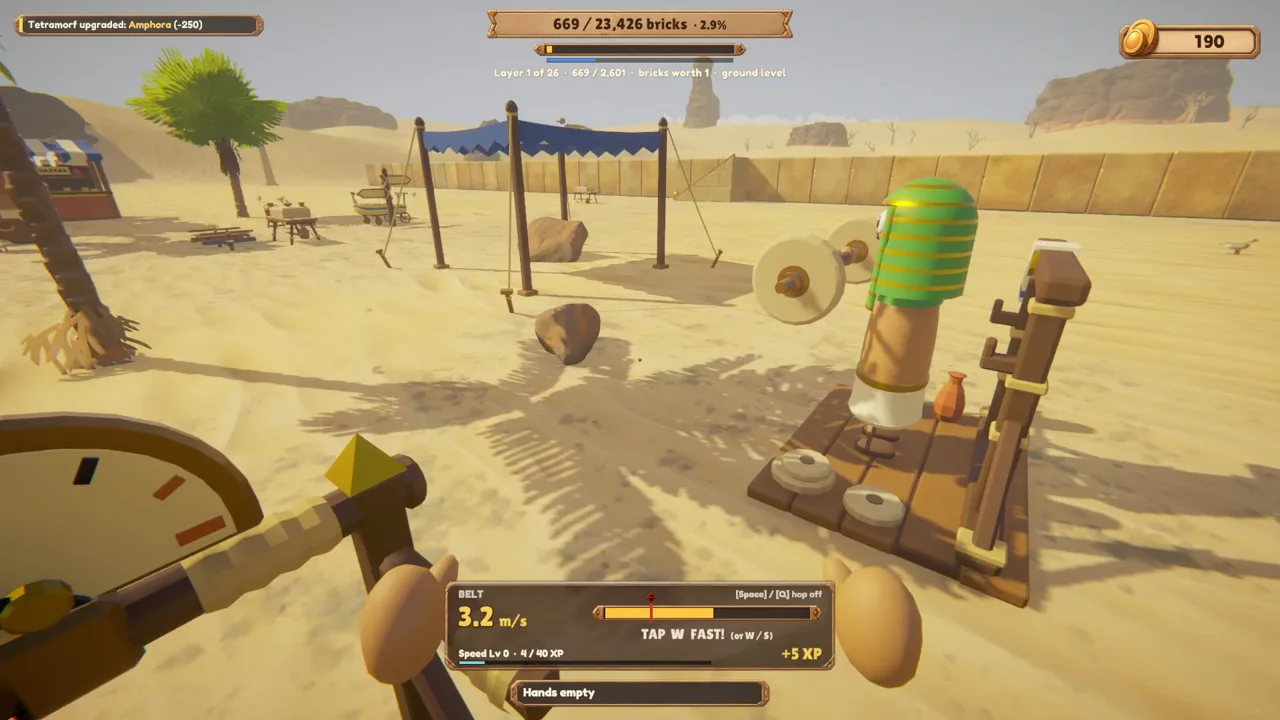 Image: Steam / Pattez Games
Keep a coin reserve before hiring more workers. Then check what each assignment actually covers:
- Clay supply: Keep the Work Post's range focused on the equipment you want supplied.
- Gathering: Workers deliver items to the nearest Conveyor Belt or Crate. Move competing receivers when bricks keep arriving at the wrong destination.
- Pyramid building: Place the Work Post near the pyramid and keep bricks within its range.
Update #0.43 lets pyramid Work Posts keep building after you move them upward. Their Shabti also explain what is stopping them, so check that feedback before rebuilding a delivery route.
Divide human players between production, power, processing, and placement. Move people toward the stage where materials are waiting instead of assigning everyone to carry bricks.
For public sessions, #0.42.1 makes joining players outside the host's friends list guests. Guests can contribute to brick making and placement; the host can promote or demote them through TAB. Use that panel when a teammate needs broader access, and press Enter for crew text chat.
Check Prestige With the Architect's Table
The Architect's Table, added in #0.43, is exclusive to Grand Pyramid. Build it and press E to see the score your pyramid would receive if you crowned it at that moment.
The breakdown includes progress toward Golden Skin, Mirror Finish, the Golden Tip, and the next rank. Check it while planning your finish so your crew can work toward a specific target.
Inspect the table before committing a large batch of decorative bricks. Coordinate which materials go where, then route those bricks separately from general construction output.
For replacements, #0.43 makes brick removal with the Mason's Chisel free. A brick placed back into a chiselled hole pays no coins, so use replacements to improve the build rather than generate income.
Build a Dedicated Gold and Engraving Line
Gold coating and carving add processing steps that deserve their own capacity. Keep those routes organized so a queue at one station does not block the rest of your factory.
The Goldsmith's Crucible uses different amounts of Gold Chips depending on the base brick:
| Base brick | Gold Chips required |
|---|---|
| Mud Brick | 20 |
| Polished Brick | 16 |
| Glazed Brick | 12 |
Bring the Crucible to White-hot before casting to reduce gold use by 25%. Gold bricks carry a ×30 placement multiplier when placed into the pyramid.
Since #0.43, the Crucible melts faster with a crew, the Temple of Ptah, and the pour upgrade. Expand the stage that is holding up coated-brick output instead of adding more gold supply to an already backed-up Crucible.
For engraving, assign a Shabti with Thoth's Hand to the Scribe's Bench for twice the carving speed. The same update also increased Shabti carving speed generally.
Update #0.43 fixes carvings disappearing in Pigeon Lofts, Trebuchets, and the Sledge Lift, along with the Printing Press deleting carvings inside the pyramid. Use those transport options to carry carved bricks through your production line, and check the Architect's Table before crowning to see how the finished work affects your score.
Continue with
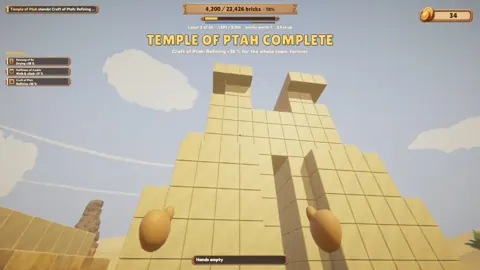 How They Built the Pyramids Achievements: Full GuideTrack all 18 How They Built the Pyramids achievements, compare unlock rates, and plan a route through building, gold, Shabti, carvings, and hidden goals.
More in Guide
See all Guide
Continue exploring
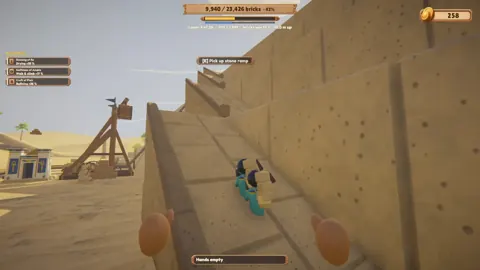
How They Built the Pyramids Game How to Automate at Start of Game
Learn how to automate early in How They Built the Pyramids with Clay Hoppers, Shabti, water wheel power, and conveyor belts that keep your bricks moving.
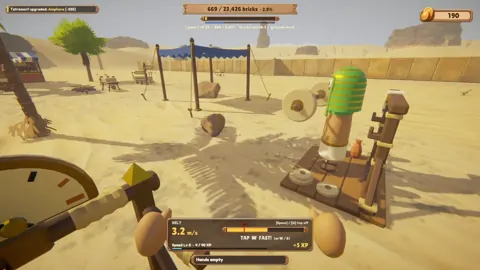
How They Built the Pyramids Goldsmith's Crucible Guide
How They Built the Pyramids Goldsmith's Crucible guide: learn gold chip costs, White-hot savings, and upgrades to keep your gold brick production moving.
Join the community
Official channels for news, updates and player help: