
How They Built the Pyramids Game How to Automate at Start of Game
Learn how to automate early in How They Built the Pyramids with Clay Hoppers, Shabti, water wheel power, and conveyor belts that keep your bricks moving.
Jump to
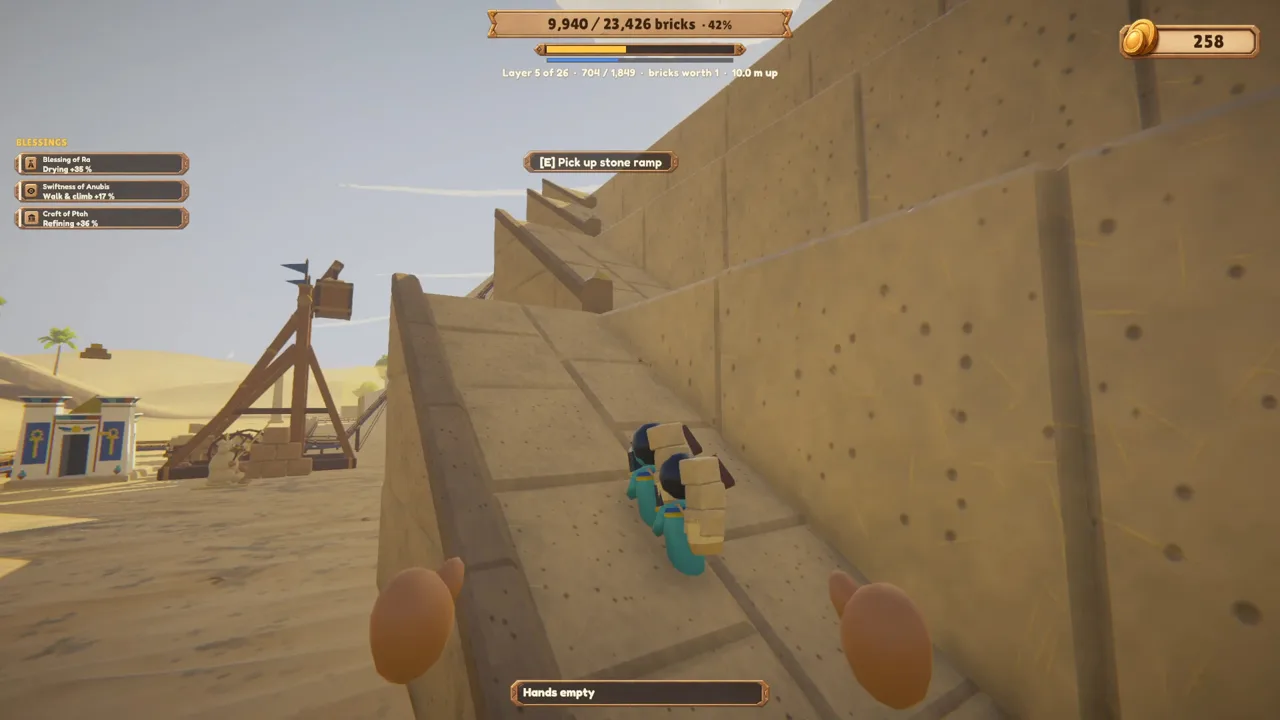
How to Start Automating Your Brick Line
Your pyramid needs 23,426 bricks, so every repeated hauling trip adds up. If you’re asking “How They Built the Pyramids game how to automate at start of game,” start by replacing manual jobs in stages. Keep molds supplied with clay, improve drying, and give finished bricks a route to construction as you add equipment.
The opening loop is straightforward: collect Nile clay with the Clay Bowl, fill Clay Molds, wait for bricks to dry, and place them in the pyramid. Build your automation around those same jobs:
- Set up clay delivery. Place a Clay Hopper within feeding range of your molds.
- Keep production moving. Supply the hopper and improve drying with a Standing Fan or Clay & Molds Kiln.
- Connect powered equipment. Build a Nile Water Wheel and connect the machines’ power ports through shafts and Gearboxes.
- Route finished bricks. Lay Conveyor Belts toward your next processing station or construction area.
- Assign Shabti. Use Work Posts to cover remaining gathering, hauling, and building tasks.
Keep placing bricks while you expand. Shabti upkeep continues even when you are busy rearranging the factory.
Official page: How They Built the Pyramids (store.steampowered.com)
Keep Your Clay Hopper Supplied and Your Molds Covered
A Clay Hopper stores 40 kg of clay and feeds molds within about 3.5 meters. Aim at it to inspect both its remaining clay and the number of molds it covers.
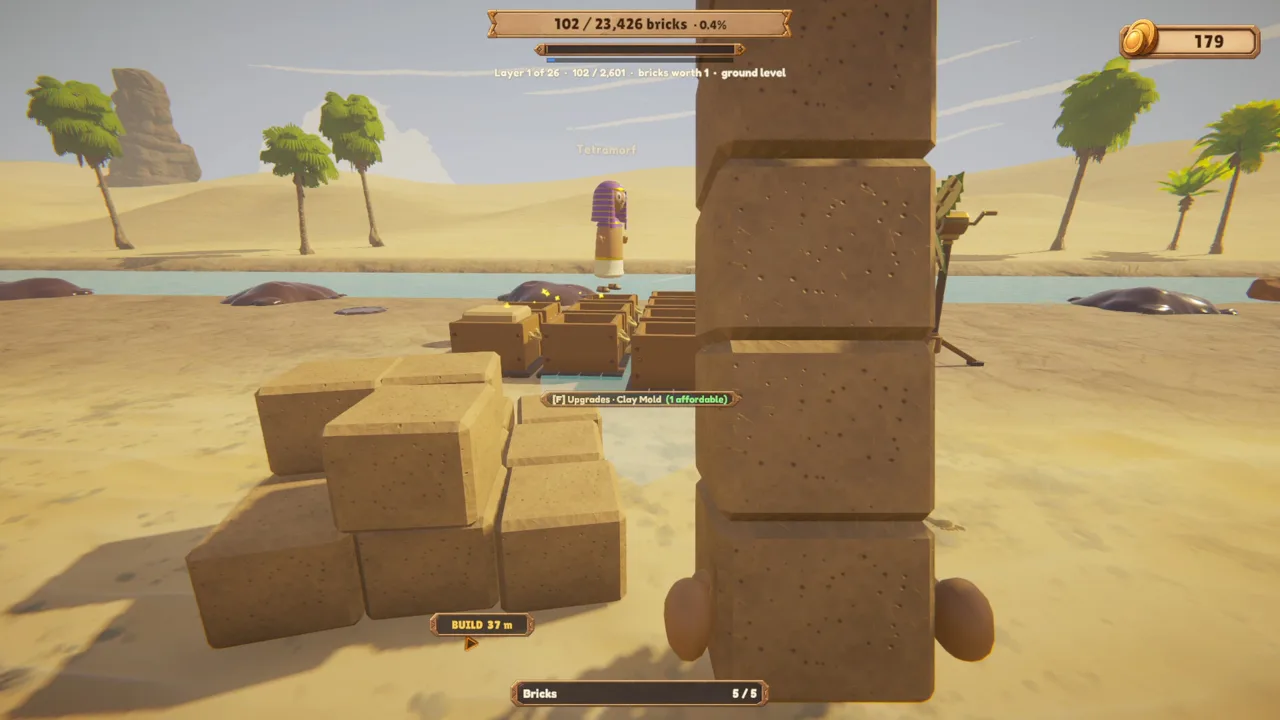 Image: Steam / Pattez Games
Check coverage before adding more molds. An empty mold outside the feeding area will stay empty even when the hopper is full.
Arrange molds around the hopper’s reach, leaving room for collection and belts. Refill the hopper manually until you assign a Shabti to clay gathering. When using a Work Post for that job, keep its working area focused on the supply point you want serviced.
Next, watch the drying stage. A Standing Fan aimed at wet molds shortens the wait. The Clay & Molds Kiln speeds drying within its coverage area; use its coverage preview to check placement. The Glaze Kiln is a separate machine.
Once a brick reaches Ready, collect it with LMB during manual operation. If ready bricks keep sitting in molds, address collection before expanding clay supply.
Connect Water Wheel Power Before Expanding Machinery
A Nile Water Wheel needs a physical connection to your machinery’s shaft network. Placing one nearby does not power an otherwise disconnected machine.
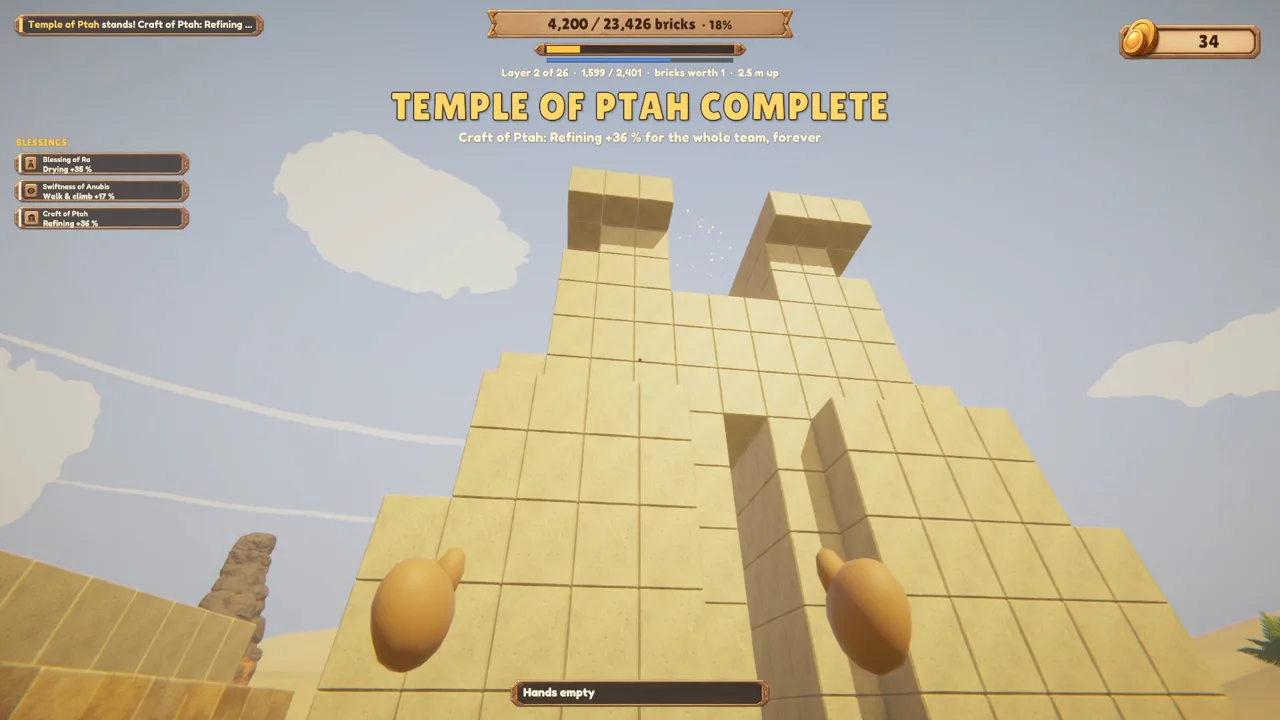 Image: Steam / Pattez Games
Trace each connection from the wheel through the shafts to the machine’s blue power port. Use a Gearbox wherever the shaft route needs to turn or branch.
Then compare network Load or Stress with Capacity. An overloaded network stops its machines, which can make a supplied production line appear broken.
| Network Load | Network Capacity | Result |
|---|---|---|
| 560 | 512 | Overloaded; machines stop |
| 560 | 768 | Sufficient capacity for that load |
Connect additional wheels to the same network when demand exceeds capacity, or disconnect equipment to reduce the load. Check those readings whenever you expand.
A machine that has power can still sit idle because it lacks input or cannot clear its output. Follow the item flow after checking the shafts.
Hire Shabti With a Job and an Upkeep Budget
At the Shabti Market, aim at an individual worker and hold F to inspect their profile. Compare their stats, traits, and asking price before hiring.
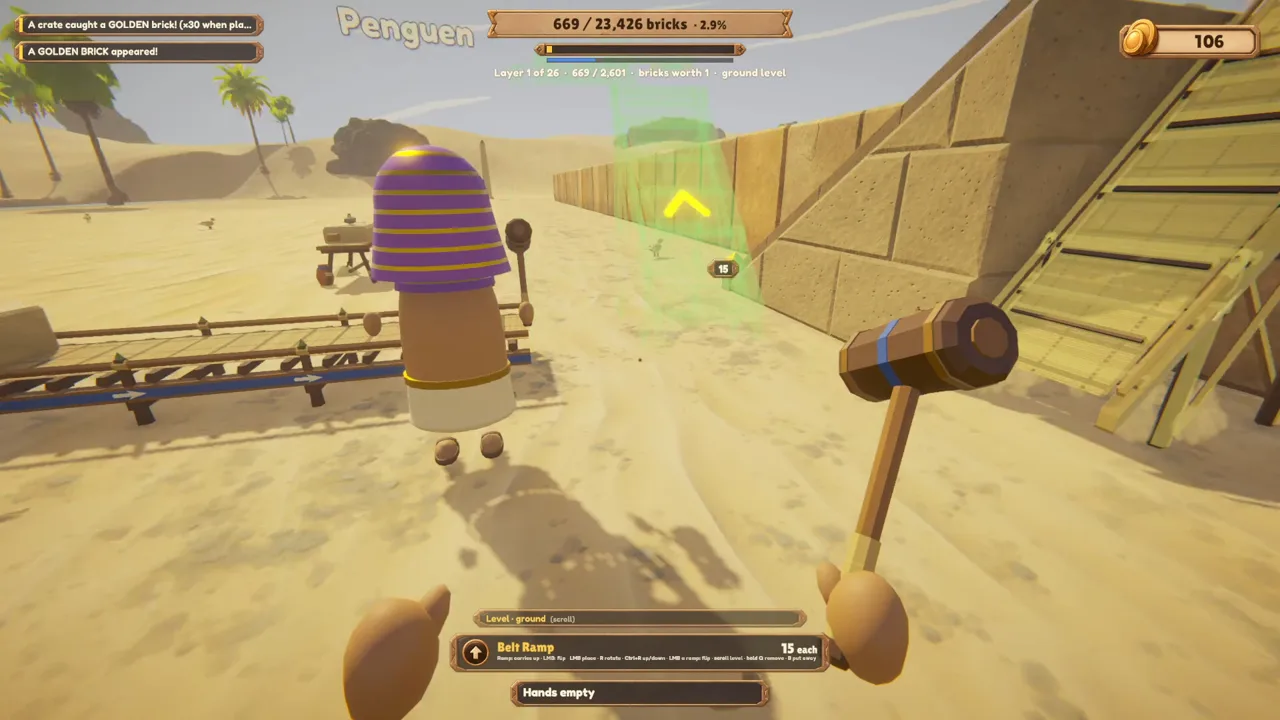 Image: Steam / Pattez Games
Hiring a worker does not assign their task. Work Posts determine what they do, and compatible machines can also have worker slots.
Use the assignment to solve a specific delay:
- Assign clay gathering when the hopper repeatedly runs empty.
- Use Gather mode when finished items need collecting.
- Use Build mode near the pyramid when brick placement is holding up construction.
- Assign workers to compatible processing equipment when that station needs labor.
Every Shabti takes coins from the shared wallet once per minute. If the wallet runs out, workers strike. Leave an upkeep reserve before buying more equipment or hiring additional workers.
Lunch Hearth drinks provide temporary buffs when fed to a Shabti. They do not replace coin upkeep. Likewise, purchasing a machine’s Crew upgrade adds worker slots; it does not hire or assign workers.
The Hired Help achievement unlocks when you hire your first Shabti at the Shabti Market.
Route Bricks to the Right Receiver and Builder
Gather-mode Shabti deliver items to the nearest Conveyor Belt or Crate. That makes receiver placement part of the automation setup.
If bricks keep appearing in an unintended crate, move the crate or reposition the intended belt. Inspect the nearest receiver before changing the worker’s whole assignment.
Keep the initial conveyor route direct. Add a Merger when combining incoming belts, or a Splitter when dividing output between destinations. When you need sorting rules, look at a Sorter and press F; each of its three exits has its own rule.
For pyramid construction, place a Work Post near the structure, select Build mode, and keep bricks within its working range. Delivery and placement are separate jobs: a belt carrying bricks toward the pyramid still needs a construction method at the destination.
Two progression details matter as your operation grows:
- Reed Highway unlocks when you have 100 belt tiles running in your world.
- Since the November 20, 2026 update, #0.43, pyramid Work Posts continue building after you move them upward, and their Shabti explain what is preventing them from working.
If you expand into catapult or trebuchet delivery, check reach before increasing production. Pressing E on one that cannot fire displays the reason.
Make Early Layout Changes While They Are Cheap
The starter area has a removal restriction. Starter Molds, Crates, and Gym Gear become removable after the team places 1,000 bricks.
Until then, build around those objects and leave space for hopper coverage, belt routes, and shaft connections. Avoid routing everything through a cramped gap that you will need for another machine.
The November 16, 2026 update, #0.42.1 added a one-minute window for a 100% building refund. Test a new building’s position promptly: inspect its coverage, connections, and output before committing to the surrounding layout.
Public-lobby permissions can also affect setup. Players joining as guests can contribute to brick making and placement. Hosts can promote or demote them through the TAB panel when they need to help manage the operation.
Starting Automation in Grand Pyramid
Grand Pyramid changes the opening because it is New Game+. After finishing a pyramid, select GRAND PYRAMID on the new pyramid card for a site requiring 105,995 bricks and supporting up to 16 players.
Since update #0.43, Grand Pyramid makes every blueprint—including the trader’s—and the Shabti Market available from the first brick.
Use that access to establish clay supply, powered processing, and transport together. Check hopper coverage and network capacity before duplicating production stations, and fund worker upkeep before expanding the crew. With every blueprint available immediately, keeping the whole chain supplied becomes the central setup task.
Continue with
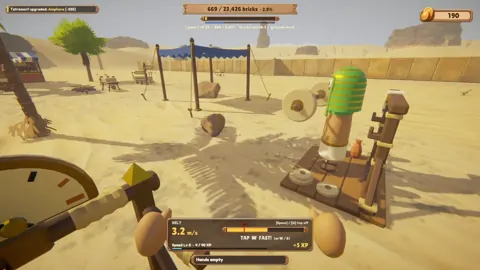 How They Built the Pyramids Game Shabti to Build: GuideGet your How They Built the Pyramids game shabti to build with Work Posts. Learn hiring, Build mode, brick delivery, upkeep, and fixes for idle workers.
More in Building
How They Built the Pyramids Blessings: Monument Guide
How They Built the Pyramids blessings explained: build the Temple of Ptah, earn its team bonus, and use Nile trader offers to improve your brick operation.
How They Built the Pyramids Demolish Monument Guide
Use the How They Built the Pyramids demolish monument controls to clear space. Learn the hammer shortcut, refund rules, and public lobby restrictions now.
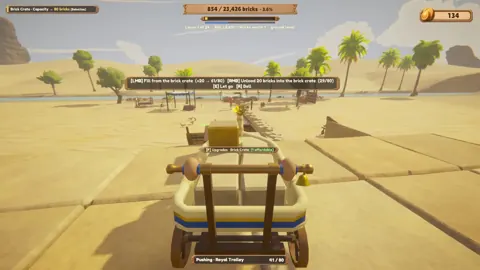
How They Built the Pyramids Game: Automate Building
In the How They Built the Pyramids game, automate building with Shabti, conveyors, and powered machines. Fix bottlenecks and keep bricks moving to the top.
How They Built the Pyramids Game Full Gold Pyramid Guide
How They Built the Pyramids game full gold pyramid guide: learn gold coating costs, factory setup, brick replacement, and Grand Pyramid prestige planning.
Continue exploring
How They Built the Pyramids Controller Support Guide
How They Built the Pyramids controller guide: learn the menu buttons, explore Steam Deck improvements, and manage your brick-building crew with less fuss.
How They Built the Pyramids New Game Plus: Unlock Guide
Explore How They Built the Pyramids new game plus: unlock Grand Pyramid, tackle 105,995 bricks, recruit a 16-player crew, and plan your prestige strategy.
Join the community
Official channels for news, updates and player help: